
Cybercriminals don’t need to break into your house to steal your identity, your money, or your business data. All they need is one weak password. With the help of modern hacking tools, entire password lists can be tested in seconds. Simple words, dates, or number sequences are no longer a challenge for attackers — they’re cracked almost instantly. That’s why understanding what makes a password truly strong is essential.
A password should not only resist quick brute-force attempts but also stand the test of time against sophisticated cracking methods. It’s not about making it harder for hackers; it’s about making it virtually impossible. In this article, you’ll learn the exact factors that transform an average password into a fortress: from length and complexity to unpredictability, uniqueness, and extra shields like multi-factor authentication. By the end, you’ll know how to build passwords that keep hackers locked out — no matter how advanced their tools become.
1. Length Matters More Than You Think
2. Complexity Increases the Challenge
3. Avoiding Predictable Patterns
Even long and complex passwords can fail if they follow predictable human patterns. Hackers know that people prefer things that are easy to remember — and they exploit this weakness with specialized tools and databases.
Among the most common mistakes are birthdays or anniversaries, such as “Heike1970” or “2001-07-15.” Hackers often try common date formats first, and if a birthday is public on social media, it’s basically an open door. Just as popular, and just as risky, are pet names or family members’ names like “Bella123” or “Tommy!2025” — attackers scrape names from Facebook, Instagram, or LinkedIn and add simple number combinations. Keyboard sequences like “qwerty,” “asdfgh,” or “123456” are also among the first guesses in every brute-force tool, and sadly remain some of the most popular passwords worldwide. Finally, obvious words with simple tweaks pose a problem too, such as “Password!” or “Sommer2025!”: even with capitalization and a symbol, these remain predictable because they appear in leaked password lists millions of times.
Attackers don’t just try random letters — they rely on smart cracking methods. They draw on databases containing billions of leaked passwords from previous hacks, use AI-based tools that automatically test common substitutions like a→@, o→0, or s→$, and make targeted guesses based on personal information such as a name, partner, or favorite sports team. A password like “P@ssw0rd!” may look clever, but for a hacker’s tool, it’s just another entry in a dictionary list.
The best way to protect yourself is to choose words and combinations that have no direct link to your life. While “Lisa2000” is obvious if Lisa is your child’s name, a combination like “Crimson-Piano$BlueSky88” — made up of unrelated words, symbols, and numbers with no personal tie — offers far more security. By creating passwords that are both long and nonsensical to outsiders, you remove the predictability that hackers rely on.
Security experts often recommend using a full sentence as a password, for example “MyFavoriteCoffeeShopIsOnMainStreetSince2015!” It’s easy to remember, contains letters, numbers, and a special character — and because it’s so long, a hacker would need millions of years to crack it
4. Uniqueness Across Accounts — Why Every Password Must Stand Alone
A password is only as strong as its uniqueness. Reusing the same password across different services is one of the biggest security risks online. If one platform is hacked and your login details are leaked, attackers can immediately try the same combination on dozens of other sites — a technique called credential stuffing. Automated tools make this incredibly fast and efficient, so a single data breach can compromise your entire digital life.
Studies show that password reuse is widespread, with many users recycling the same or slightly modified passwords, which dramatically increases the success rate of credential-stuffing attacks. In other words: password reuse equals leaving all your doors unlocked with one key.
Consider a few real-world scenarios. You use “Summer2025!” for ShopXYZ. The shop gets hacked, and your details leak. Days later, attackers log into your email and PayPal using the same password. Or: a leaked database with billions of stolen credentials is fed into a bot, which within minutes tries your email/password combo across hundreds of sites — if you’ve reused it, multiple accounts fall like dominoes.
Staying safe starts with unique passwords for every account. No account should share the same password, and even small variations like “Summer2025!” to “Summer2025!!” are dangerous. A good password manager solves this problem by generating strong, random, unique passwords and filling them in automatically, so you only need to remember one master password; many managers also check if your logins appear in known leaks. It’s worth checking directly, too — services like Have I Been Pwned let you quickly see if your email or password is part of a known breach, and if so, you should change your password immediately, for every account that reused it, and enable MFA.
Multi-factor authentication is another essential layer: even if your password leaks, MFA in the form of SMS codes, authenticator apps, or security keys can block attackers from logging in, so it’s worth enabling on email, banks, and other critical services. When it comes to changing passwords, it’s better to do so smartly rather than excessively — you don’t need to rotate all passwords every 30 days, since this often leads to weaker variants, but instead change them after a confirmed breach or when a service alerts you, which aligns with modern security guidelines such as those from NIST. Finally, prioritize your critical accounts: start with your email, bank, cloud services, and payment providers, then move to social media, shopping sites, and forums, using especially long, unique passphrases plus MFA for your most sensitive accounts.
For readers who want a quick checklist: use a password manager, create a unique password for every account, check your email on Have I Been Pwned and update your logins if you’re found, turn on MFA wherever possible, and prioritize securing your most critical accounts.
Once you break the habit of password reuse, your overall risk drops dramatically. With a password manager, MFA, and smart monitoring, even if one site is hacked, the damage stops there — no domino effect, no panic, just stronger security and more mental freedom to focus on what really matters.
5. The Bonus Shield: Multi-Factor Authentication
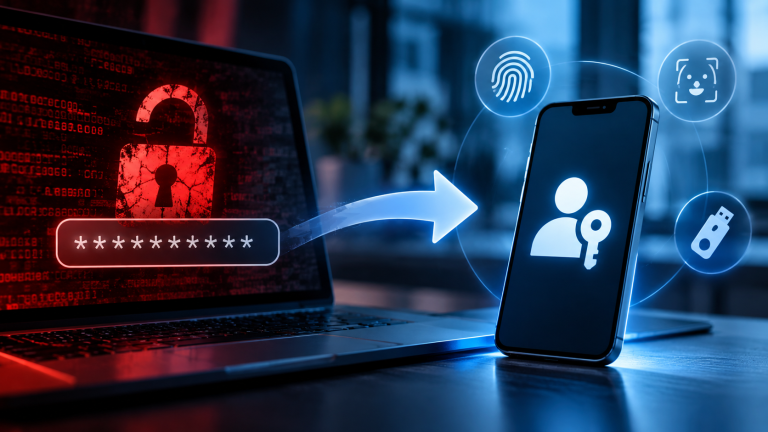
Even the strongest, longest, most complex password can still be stolen. Data breaches, phishing attacks, or malware don’t care how clever your password is. That’s why security professionals recommend adding another shield: Multi-Factor Authentication (MFA).
MFA means that logging into an account requires not just something you know, such as your password, but also something you have or something you are. This extra layer makes it exponentially harder for attackers to break in, even if they’ve already guessed or stolen your password.
There are several common types of MFA in use today. SMS codes, or one-time passwords, work by sending you a text message with a code after you enter your password; they’re easy to use and require no extra apps, but SMS can be intercepted or hijacked through SIM-swapping attacks, making this option best suited for low- to medium-risk accounts. Authenticator apps such as Google Authenticator, Microsoft Authenticator, or Authy take a different approach: you install an app that generates time-based codes, usually valid for 30 seconds. These are much safer than SMS and work offline, though if you lose your phone without a backup, you can get locked out. Push notifications, offered by services like Duo, Okta Verify, or built-in phone prompts, let you approve or deny a login attempt with a single tap instead of typing a code — extremely user-friendly and fast, though they can be abused through so-called “MFA fatigue” attacks if users are spammed with prompts. Finally, hardware security keys following the FIDO2/U2F standard, such as YubiKey, SoloKey, or Google Titan, let you plug in a small USB or NFC key or tap it to your phone to confirm your login. These are considered the gold standard, phishing-resistant and nearly impossible to bypass remotely, though they come with a small upfront cost and require a backup key in case the original is lost.
To understand why MFA changes everything, imagine a hacker gets your password through a data breach. Without MFA, they log in instantly. With MFA, they hit a wall — they’d need your phone for the authenticator code, or your hardware key in their hand, or your fingerprint. In other words, a password alone might be a single lock on your door, but MFA is like adding a deadbolt, alarm system, and security camera all at once.
For everyday users, it’s worth always enabling MFA on critical accounts first — email, banking, cloud storage, and social media — and preferring authenticator apps or hardware keys over SMS for stronger protection. Keeping backup codes in a safe place is also essential, in case you ever lose your phone or key.
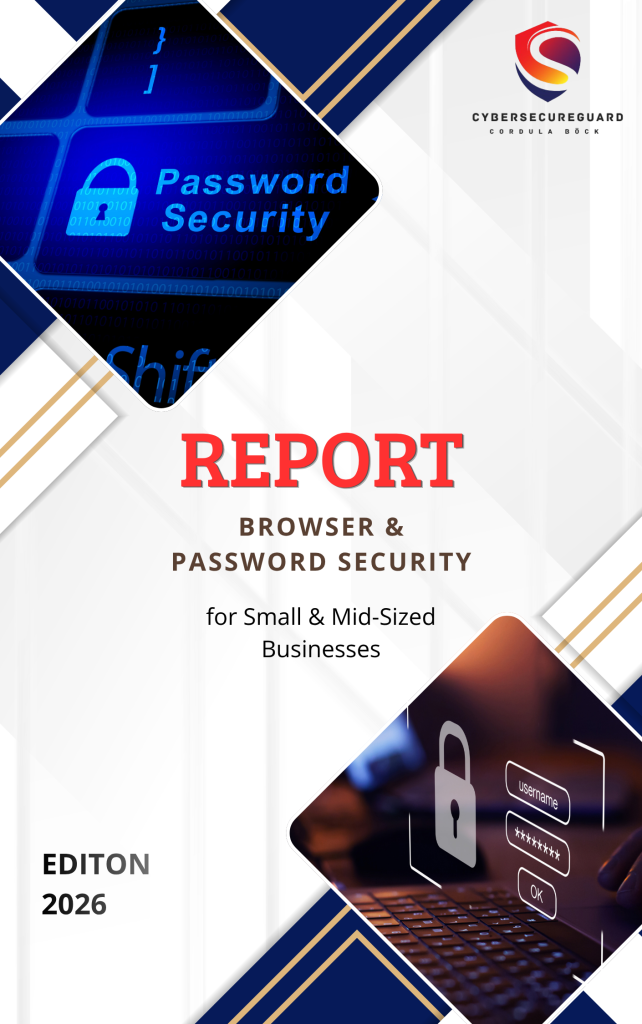
This Browser and Password Security Report shows where many cyberattacks start: with browsers, passwords, and user access.
You will learn how to protect your passwords, use multi-factor authentication correctly, and reduce common security risks linked to user accounts. The report gives you clear, practical steps you can use right away. No technical knowledge is required. It focuses on three key areas of business security: passwords, user access, and browser use.
Conclusion: How to create a Password That Is Hard to Crack
I also recommend to read the following article
Are Password Managers Really Safe? The Risks You Should Know
That’s Why Password Managers Are Not as Secure as You Think
Why MFA is the most effective security measure for small businesses