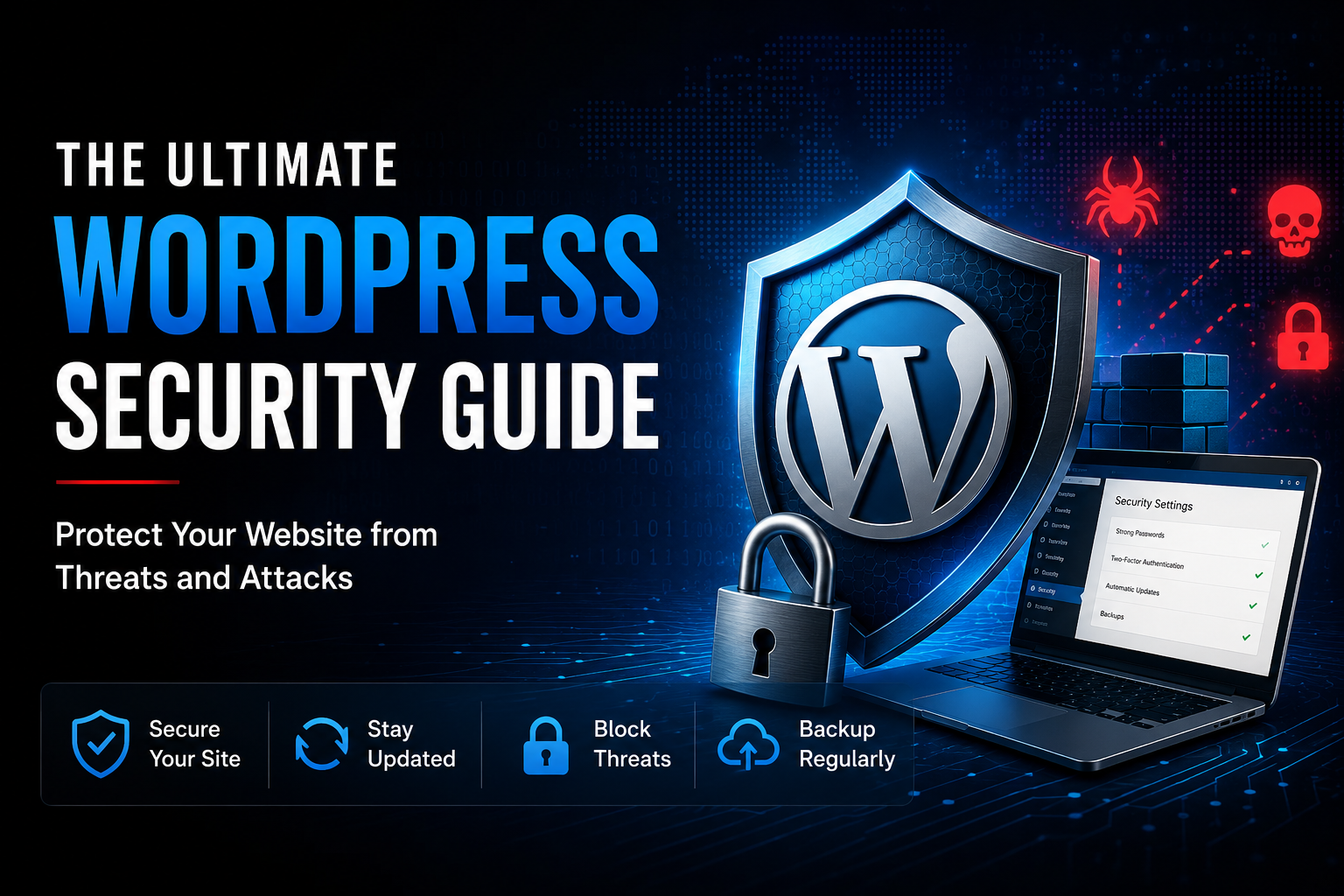

Welcome to the ultimate WordPress 7.0 security guide — your comprehensive protection against threats and attacks on your website. Today the security of your WordPress site is more critical than ever. Hackers and malicious bots are constantly scanning for vulnerabilities, looking for a way in to steal your valuable content or compromise your visitors’ personal information. The good news: with the right approach, you can close these gaps before attackers ever find them.
This guide walks you through everything you need to build a solid security foundation — from selecting trustworthy WordPress plugins to keeping your theme and core software up to date, including the recent move to WordPress 7, which brought a modernized codebase and tightened security architecture alongside its new features. We’ll also cover how to strengthen your password policies and put safeguards in place to protect your data from loss.
Don’t wait until your WordPress site becomes the next target. Read on to discover the strategies that will keep your business protected.
Common threats and attacks on WordPress websites
WordPress is the world’s most popular content management system (CMS). Millions of businesses, blogs, and online stores use it every day. Its popularity is one of its greatest strengths, but it also makes WordPress an attractive target for cybercriminals. Attackers often use automated tools to scan thousands of websites for common security weaknesses. They are not looking for one specific company—they simply search for websites that are easier to compromise. Understanding the most common attacks is the first step toward improving your website’s security.
Brute-Force Attacks
A brute-force attack is one of the most common attacks against WordPress websites. In this type of attack, cybercriminals use automated software to try thousands or even millions of username and password combinations until they find the correct login details. Weak or reused passwords make these attacks much more successful. If attackers gain access to an administrator account, they can change website content, install malware, create new user accounts, or completely take control of the website.
DDoS Attacks
A Distributed Denial of Service (DDoS) attack is designed to make a website unavailable. Instead of trying to break into the website, attackers send a massive number of requests from many different computers or infected devices at the same time. This overloads the web server until it can no longer respond to legitimate visitors. For businesses, a successful DDoS attack can lead to website downtime, lost sales, frustrated customers, and damage to the company’s reputation.
Malware Infections
Malware is malicious software that is secretly installed on a website. It often enters through outdated plugins, vulnerable themes, insecure file uploads, or compromised administrator accounts. Once installed, malware can perform many harmful actions. It may redirect visitors to dangerous websites, display unwanted advertisements, steal sensitive customer data, send spam emails, or allow attackers to control the website remotely. In some cases, malware remains hidden for weeks or even months before it is discovered.
Phishing Attacks
Phishing attacks are designed to steal sensitive information such as usernames, passwords, payment details, or other confidential business data. Attackers may create fake WordPress login pages or send convincing emails that appear to come from trusted companies or website administrators. If a user enters their login credentials, the attackers immediately gain access to the account. Phishing often relies on social engineering rather than technical weaknesses, making employee awareness just as important as technical security measures.
Plugin and Theme Vulnerabilities
Many WordPress websites rely on plugins and themes to add new features and improve functionality. However, outdated or poorly developed plugins and themes are one of the most common entry points for attackers. Security vulnerabilities can allow hackers to upload malicious files, execute harmful code, steal information, or gain administrator access. Regular updates and using plugins from trusted developers significantly reduce this risk.
SQL Injection
SQL injection is a serious attack that targets websites with vulnerable database queries. Attackers insert malicious commands into input fields such as search boxes, login forms, or contact forms. If the website does not properly validate user input, these commands may allow attackers to read, modify, or delete information stored in the website’s database. In severe cases, an attacker can gain full control over the database and access sensitive customer information.
Cross-Site Scripting (XSS)
Cross-Site Scripting, often called XSS, allows attackers to inject malicious JavaScript code into a website. When visitors open the infected page, the code runs in their browser without their knowledge. This can be used to steal login cookies, redirect users to malicious websites, display fake login forms, or manipulate website content. XSS vulnerabilities are common in outdated plugins and poorly written themes.
Automated Bot Attacks
Not every attack comes directly from a human hacker. Many websites are constantly targeted by automated bots. These bots scan the internet for outdated WordPress installations, weak passwords, vulnerable plugins, and exposed login pages. Because these scans happen automatically, even small business websites can be targeted within hours of being published online. This is why keeping WordPress updated and properly secured is essential for every website, regardless of its size.
Understanding the importance of website security
Understanding the importance of website security is crucial to the long-term success of your online business. A successful attack can have far-reaching consequences, from data loss to a loss of trust among your visitors and customers. It’s not just about repairing the immediate damage, but also about protecting your brand’s reputation, which can be impacted long-term by security incidents. Customers who discover that a website they trusted has been compromised rarely give it a second chance, and rebuilding that trust often takes far longer than fixing the technical issue itself.
The financial impact of a security breach also tends to be underestimated. Beyond the direct costs of recovery — restoring backups, patching vulnerabilities, and potentially rebuilding parts of the site — businesses often face lost revenue during downtime, increased support workload, and in some cases, legal or regulatory consequences. For companies operating in the EU, a breach involving customer data can also trigger obligations under the GDPR, including mandatory notifications and potential fines. What starts as a technical incident can quickly turn into a legal and financial matter that occupies your team for weeks or months.
By proactively implementing security measures, you minimize the risk of attacks and ensure the integrity of your website is maintained. This includes not only technical aspects such as regular updates and the use of reliable security plugins, but also raising awareness and training all your website users on security best practices. Awareness of the potential risks and knowing how to avoid them is the first step in securing your online presence. A website that is well maintained and monitored is far less attractive to attackers than one that is left to run on outdated software, since most attacks target known, already-patched vulnerabilities rather than sophisticated zero-day exploits.
In addition to implementing technical security measures, it’s important to foster a culture of security within your team or company. This means ensuring that everyone, from administrators to casual users, understands the importance of security and knows how they can contribute to website security. Such a culture helps avoid common security mistakes, such as using weak passwords, sharing login credentials over insecure channels, or ignoring software updates. Even a single team member clicking on a phishing link can undo months of careful technical hardening, which is why security needs to be treated as a shared responsibility rather than something that lives solely with your IT department or web developer.
Ultimately, investing time and resources into website security isn’t just a defensive measure — it’s part of running a resilient, trustworthy business. Customers increasingly expect the companies they interact with online to take data protection seriously, and a strong security posture can become a genuine competitive advantage rather than just a box to check.
Essential security measures for your WordPress website
Protecting a WordPress website is not about installing a single security plugin and hoping for the best. Effective security is built on multiple layers that work together to reduce risk. Cybercriminals constantly search for outdated software, weak passwords, and other common security weaknesses. Fortunately, most attacks can be prevented by following a few practical security best practices. By regularly maintaining your website and applying these measures, you can significantly reduce the risk of malware, unauthorized access, and data loss.
Install Reliable WordPress Security Plugins
One of the easiest ways to improve your website’s security is by installing a trusted WordPress security plugin. A good security plugin helps monitor your website, block suspicious activity, and detect potential threats before they become serious problems. While no plugin can guarantee complete protection, they provide an important additional layer of security.
Some of the most widely used WordPress security plugins include:
Wordfence
Wordfence is one of the most popular WordPress security solutions. It includes a powerful web application firewall (WAF), malware scanning, brute-force protection, login security, and real-time threat intelligence. It also monitors file changes and alerts website owners if suspicious activity is detected.
Sucuri Security
Sucuri Security focuses on website monitoring and malware detection. It offers security auditing, file integrity monitoring, malware scanning, blacklist monitoring, and firewall protection through its premium service. Sucuri is also well known for helping website owners clean infected websites after a security incident.
Solid Security (formerly iThemes Security)
Solid Security provides many useful security features for WordPress websites. It helps protect against brute-force attacks, strengthens login security, monitors file changes, and allows administrators to apply many recommended WordPress security settings without requiring advanced technical knowledge.
When choosing a security plugin, it is usually best to use one comprehensive solution instead of installing several plugins with overlapping functions, as this reduces compatibility issues and unnecessary system load.
Keep WordPress, Themes, and Plugins Updated
Keeping your WordPress installation up to date is one of the most important security measures you can take. Every year, security researchers discover vulnerabilities in WordPress core files, themes, and plugins. Once these vulnerabilities become public, cybercriminals quickly begin scanning the internet for websites that have not yet installed the latest security updates.
For this reason, updates should never be ignored. WordPress core, themes, and plugins should all be updated regularly. Before installing major updates, it is recommended to create a full website backup. This allows you to restore your website quickly if an update causes unexpected problems. It is equally important to remove plugins and themes that are no longer being used. Even inactive plugins can contain vulnerabilities that attackers may exploit.
Use Strong Passwords and Secure User Authentication
Weak passwords remain one of the most common reasons websites become compromised. Automated bots constantly attempt to log into WordPress websites using lists of common passwords and stolen credentials from previous data breaches. Every administrator account should use a long, unique password created with a trusted password manager.
Passwords should never be reused across multiple websites or online services.Adding Multi-Factor Authentication (MFA) provides another important layer of protection. Even if a password is stolen, attackers cannot access the account without the second authentication factor, such as a code generated by an authentication app or a hardware security key.
It is also good practice to limit login attempts. This helps stop automated brute-force attacks by temporarily blocking repeated failed login attempts from the same source. Finally, avoid using the default username “admin” for administrator accounts, as this gives attackers one less piece of information during login attacks.
Perform Regular Backups
Even with strong security measures in place, no website can ever be considered completely immune to cyberattacks or technical failures. This is why regular backups are essential. A reliable backup allows you to restore your website quickly after malware infections, accidental file deletion, server failures, or other unexpected incidents. Without a recent backup, recovering a compromised website can be difficult, expensive, and sometimes impossible.
Backups should be created automatically on a regular schedule. The exact frequency depends on how often your website changes. Websites with frequent updates or online stores may require daily backups, while smaller business websites may only need weekly backups. Backups should never be stored only on the same web server as the website itself. Instead, keep copies in secure off-site locations such as cloud storage or another secure server. Regularly testing backup restoration is equally important, ensuring that backups can actually be used when needed.
Monitor Your Website for Suspicious Activity
Website security is not a one-time task. Continuous monitoring helps detect attacks before they cause significant damage. Many security plugins automatically monitor login attempts, file changes, malware infections, and suspicious activity. They can alert website owners when unusual behavior is detected, allowing quick action before attackers gain full control of the website. Website administrators should also review activity logs regularly. Login records, user account changes, plugin installations, and unexpected file modifications may all indicate a potential security problem.
For larger business websites, additional monitoring solutions such as Web Application Firewalls (WAF), Intrusion Detection Systems, or cloud-based security services can provide even stronger protection by identifying and blocking malicious traffic before it reaches the website.
Apply the Principle of Least Privilege
Not every user needs administrator access. One of the simplest ways to improve WordPress security is to give each user only the permissions they actually need. WordPress provides several user roles, including Administrator, Editor, Author, Contributor, and Subscriber. Assigning the correct role reduces the risk of accidental changes and limits the damage if a user account is compromised. It is also good practice to regularly review user accounts and remove accounts that are no longer needed, such as those belonging to former employees or temporary contractors.
Build Security in Layers
The most secure WordPress websites do not rely on a single tool or security feature. Instead, they combine multiple protective measures that work together. Regular updates, strong passwords, Multi-Factor Authentication, reliable backups, security monitoring, and careful user management all contribute to a stronger security posture. Cybersecurity is an ongoing process rather than a one-time setup. By following these best practices consistently, businesses can greatly reduce the likelihood of a successful cyberattack and keep their WordPress websites secure over the long term.
My Personal Experience with WordPress
I have been working with WordPress for more than 10 years, building and managing websites for both my own projects and my clients. During this time, I have never experienced a security incident on any of my own WordPress websites. I believe this is the result of following good security practices from the very beginning, including regular updates, strong passwords and careful plugin selection, and reliable backups.
One of my clients had suffered a hacker attack on his website, but by implementing new security measures and plugins, we were able to make his new website significantly more secure.
These practical experiences have reinforced my belief that WordPress can be a secure platform when it is properly maintained and protected. Most successful attacks do not happen because WordPress itself is insecure, but because websites are left with outdated software, weak passwords, or poor security configurations. With the right security foundation and regular maintenance, businesses can significantly reduce their risk and keep their websites secure.
Conclusion: The Ultimate WordPress Security Guide for Businesses
A secure WordPress website is more than just a technical requirement—it is an important part of protecting your business, your reputation, and your customers. While no website can ever be completely immune to cyberattacks, following security best practices can greatly reduce your risk and make your website a much harder target for attackers.
WordPress security should never be treated as a one-time task. It is an ongoing process that includes keeping WordPress, plugins, and themes up to date, using strong passwords and Multi-Factor Authentication (MFA), performing regular backups, monitoring your website for suspicious activity, and reviewing your security settings on a regular basis.
For small businesses, a security incident can lead to financial losses, damaged customer trust, and costly downtime. Taking preventive action today is usually much easier and less expensive than recovering from a successful cyberattack.
Think of your website as the digital front door to your business. Just as you would lock your office or store every day, your website also deserves continuous protection. Every security measure you implement adds another layer of defense and helps keep your business running safely.
Cyber threats continue to evolve, but so do security tools and best practices. By staying informed, maintaining your website regularly, and acting before problems occur, you can build a stronger, more resilient WordPress website that protects both your business and your visitors for years to come.
I also recommend to read the following articels:
How Useful Are Security Plugins for WordPress? – An Honest Look Behind the Scenes
The Ultimate WordPress 7 Security Guide: Protect Your Website from Threats and Attacks
WordPress Security Vulnerabilities in 2026: The 6 Most Common Risks Businesses Overlook
Most successful attacks don’t start with advanced hacking techniques — they exploit simple weaknesses that could have been prevented. This Secure Website Hardening Package focuses on exactly those fundamentals: outdated components, misconfigurations, excessive access rights, and missing baseline protections.
Instead of adding more tools or ongoing subscriptions, your existing WordPress site is carefully reviewed and hardened to reduce its attack surface and close common entry points. The result is a cleaner, more controlled, and significantly more resilient website — built on a solid security foundation.
If you want your website to be a business asset, not a liability, this package establishes the security baseline every professional site should have. Secure your website’s foundation with the Website Hardening Package.