
Cybersecurity is often not a priority until something goes wrong. A suspicious email arrives, systems suddenly stop working, or a customer reports a fake invoice sent in your company’s name. By then, it may already be too late to prevent the damage. That is why it is important to understand the risks before an attack happens. Cyberattacks are becoming more professional and easier to carry out. Criminals often target thousands of businesses at once. They do not need to know your company. They simply look for weak points.
This means that small businesses are also at risk. In fact, an attack can have a serious impact when a company has limited staff and resources. As a business owner or managing director, you do not need to understand every technical detail. But you should know which risks could affect your company and what you can do to reduce them. Cybersecurity is not only an IT issue. It is also part of running a business.
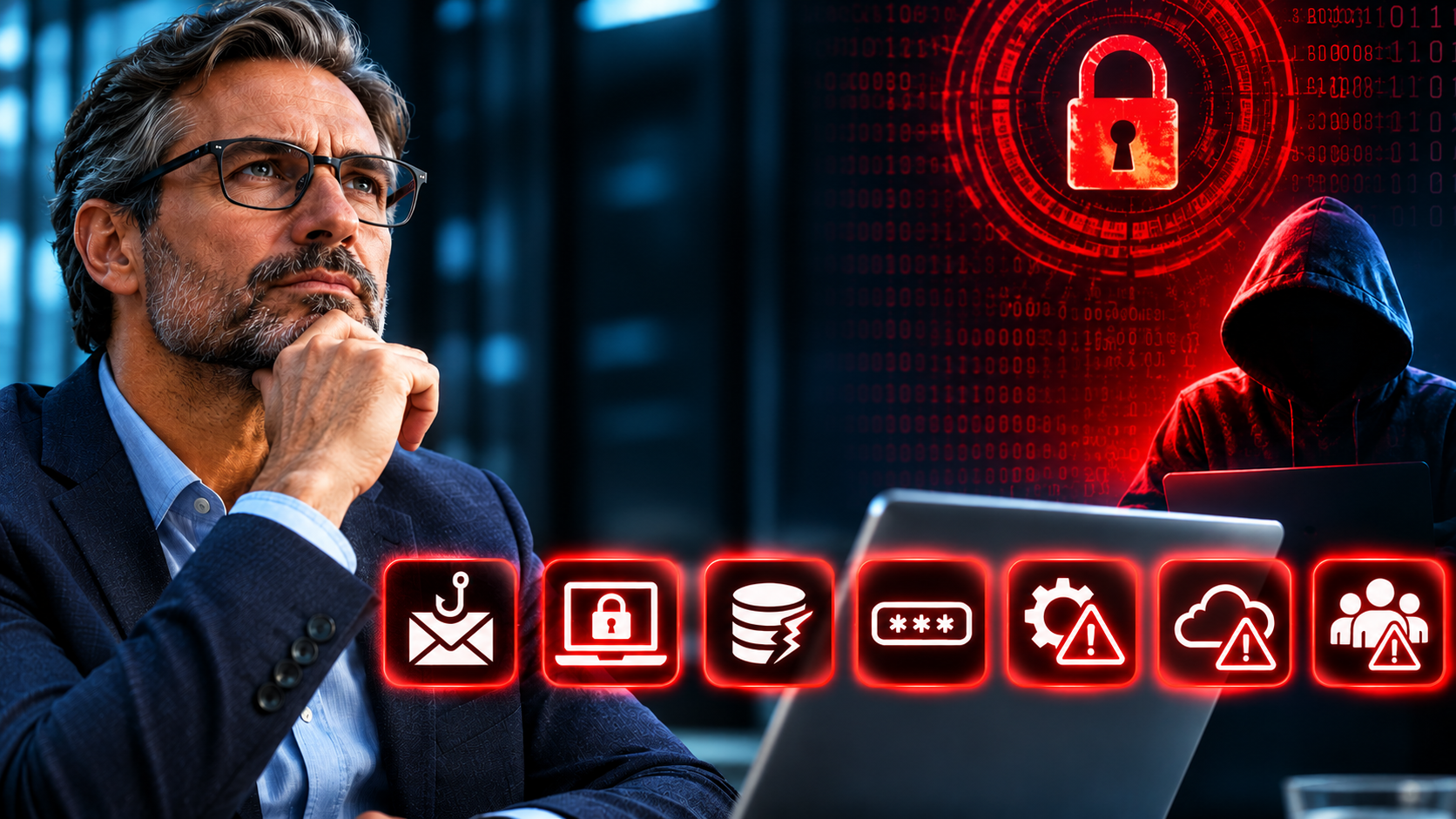
In this article, we look at 7 important cybersecurity risks that every business owner should know. You will learn how these threats work, where common weaknesses can be found, and what steps you can take to protect your business.
Your Business Is a Target, Even If It Is Small
Phishing and Fake Emails
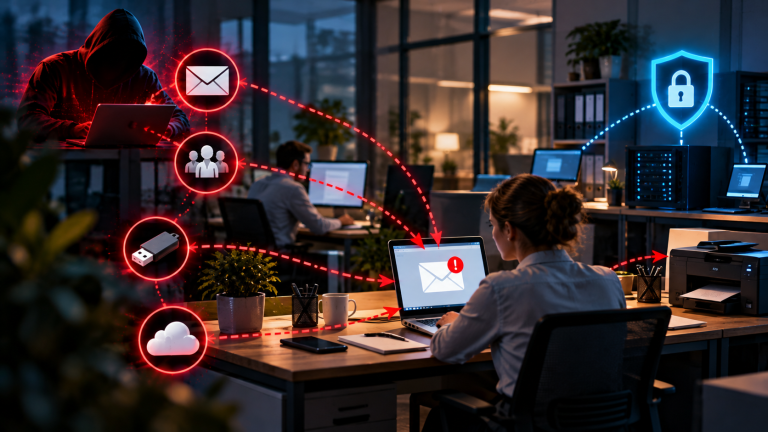
Most attacks start with a simple email. An employee receives a message that looks like it comes from the bank, a supplier, a delivery service, or even from you. The message asks them to click a link, open a file, or enter a password. One wrong click can give the attacker access to your whole network. This is called phishing, and it is still the most common way for criminals to enter a company.
These emails are now much better than in the past. Years ago, you could often spot a fake message by its bad spelling or strange wording. Today, attackers use clean language, real logos, and real names. They often study a company before they write. They look at your website and social media to find out who works in finance, who talks to which supplier, and who is your manager. With this information, the message looks very normal. Some attackers now also use AI tools to write perfect emails in any language, so a German-speaking team can no longer rely on spotting a “foreign” style.
The goal is not always to steal a password. Sometimes the email contains a file that installs harmful software as soon as someone opens it. Sometimes the link leads to a fake login page that looks exactly like your email or cloud service. The employee enters the user name and password, and the attacker has them in seconds. Phishing also happens by text message, by phone, and in business chat tools. The channel changes, but the idea stays the same: the attacker wants someone to act quickly without thinking.
This is why pressure is a key part of these attacks. Typical messages say that an account will be closed, that a package cannot be delivered, or that an invoice is overdue. The attacker wants your employee to feel stress and to act before checking. A person who is busy, tired, or new in the job is especially at risk. This is not a sign of a careless team. Even experienced people make mistakes when a message looks real and arrives at the wrong moment.
For you as a manager, the most important point is that technology alone cannot stop all phishing. Good email filters help, but some messages always get through. Your team is the last line of defence. Regular training teaches employees to stop and check before they act. Simple habits make a big difference: look at the sender address closely, do not click links in unexpected messages, and call the sender if something feels strange. Make it clear that nobody will be blamed for reporting a suspicious email, even if it turns out to be harmless. A team that is not afraid to ask questions will find problems much earlier.
Ransomware Can Stop Your Whole Business
Ransomware is software that locks your files and systems. The attacker then demands money to unlock them. In the meantime, your team cannot work, you cannot send invoices, and you cannot reach your customer data. For many companies, this feels like someone has switched off the lights in the whole building.
An attack usually starts in a quiet way. The attacker enters your network through a phishing email, a stolen password, or an old system with a known weak point. Then they wait. Often they spend days or even weeks inside your network, looking around and finding out where your most important data is stored. They also look for your backups, because they want to destroy or lock them first. Only when they are ready do they start the attack, often at night or on a weekend, when fewer people are in the office and nobody can react quickly.
When the attack starts, files are locked and a message appears on the screen. It tells you how much money the attacker wants, usually in a digital currency, and how much time you have. Today, many attackers use a second kind of pressure. They steal a copy of your data before they lock it, and then they threaten to publish it. This means that even if you can restore your systems from a backup, you may still have a data leak. For you as a manager, this brings legal duties and possible damage to your reputation on top of the technical problem.
The costs are often much higher than the ransom itself. You have to add the time when your team cannot work, the lost orders, the help of experts, and the work to rebuild your systems. Many companies need days or weeks to recover, and some need much longer. Paying the ransom is also no safe solution. There is no guarantee that you get your data back, that the attacker deletes the stolen copy, or that they will not attack you again. Police and security experts generally advise against paying.
The best protection is to be prepared. Good and tested backups are the most important point here. They must be stored separately from your main network, so that attackers cannot reach them. Test regularly that you can really restore your data, because a backup that does not work is of no use in an emergency. Keep your software up to date, use multi-factor authentication, and limit who has access to important systems. Finally, prepare a simple emergency plan. If you know in advance who to call and what to do first, you will lose much less time when it matters.
Payment Fraud and CEO Fraud
In this type of attack, a criminal pretends to be you or another trusted person. An employee in the finance team gets an urgent message: “Please transfer this amount today, and keep it confidential.” Because the request seems to come from the top, many people do not question it. This is often called CEO fraud, and it can cost a company a very large sum in just a few minutes.
The attackers prepare these messages with care. They look at your website, your social media profiles, and business directories to find out who leads the company and who is allowed to make payments. They then create an email address that looks almost the same as yours, with only one small change in the name or the domain. In other cases, they break into a real email account and write from there, which makes the message even harder to spot. The text is usually short and polite, and it often says that you are in a meeting, that you cannot be reached by phone, and that the matter is private. This way the employee has no easy way to check the request.
Another common method is the fake invoice. The attacker sends a message that looks like it comes from a real supplier. It says that the bank details have changed and that future payments must go to a new account. The invoice looks correct, and the amount is normal, so nobody sees a problem. The money goes to the criminal, and the real supplier is still waiting for payment. Often the company only finds out weeks later, when the supplier sends a reminder. By then, the money has usually been moved to other accounts and is very hard to get back.
These attacks work because they use normal human behavior. Employees want to be helpful, and they do not want to disappoint their manager. They also do not like to ask questions when a request seems important and urgent. Attackers know this, and they use time pressure and secrecy on purpose. A new employee, or a person who works alone in the finance team, is especially at risk. As a manager, you should understand that this is a weakness in the process and not a personal failure of your staff.
The most effective protection is a simple and clear rule. Every payment request that is unusual or urgent must be confirmed by a phone call to a known number, never to a number from the email. The same applies to any change of bank details from a supplier. Add a second person who must approve larger payments, and make sure that this rule also applies to you. Tell your team clearly that they are allowed, and even expected, to ask questions about any request, no matter who it seems to come from. If a payment has already gone to a criminal, contact your bank immediately and ask them to stop or recall the transfer. Every hour counts, and a fast reaction can sometimes save the money.
Weak Passwords and Missing Extra Protection
Stolen or weak passwords are one of the most common ways attackers get into a company. A password is like a key to your office. If the key is easy to copy or has been lost, anyone can walk in. Many attacks do not need any clever technical tricks. The attacker simply logs in with a real user name and password, and the system treats them like a normal employee.
There are many ways that passwords end up in the wrong hands. Some are guessed, because people still choose simple words, names, or number patterns. Others are stolen through phishing emails or harmful software on a computer. A very common source is a data leak at another website. When a large online service is hacked, millions of user names and passwords are published or sold. Attackers then test these combinations on other services, such as business email and cloud tools. This works surprisingly often, because employees use the same password for many services. One leak can open many doors, and your company may be affected by a leak at a website that has nothing to do with your business.
This is where multi-factor authentication helps. It adds a second step to the login, for example a code on a phone or a confirmation in an app. Even if the attacker knows the password, they cannot get in without this second step. Experts agree that this simple measure stops the large majority of attacks that are based on stolen passwords. It is one of the best protections you can get for a very small effort. Some forms are stronger than others. A code in an app or a security key is safer than a code sent by text message, so use these where you can.
As a manager, you should make sure that this protection is active for email, cloud services, remote access, and all accounts with special rights, such as administrators and the finance team. Your own account is especially important. As the leader of the company, you have access to sensitive information, and you can approve payments and decisions. For this reason, attackers often try to take over the accounts of managers first. Do not make an exception for yourself because it feels inconvenient. The few seconds that the second step needs are a small price compared with the damage of a stolen account.
Good password habits are also important, and they are easier today than in the past. A password manager creates long and unique passwords for every service and stores them safely, so your employees only need to remember one strong main password. Long passwords made of several words are better than short passwords with strange symbols. Ask your team to never share passwords by email or chat, and make sure that accounts of people who leave the company are closed on the same day. These small rules cost little, but they close some of the most common doors for attackers.
Risks from Suppliers and Cloud Services
Your company does not work alone. You use software providers, cloud services, accountants, payroll companies, IT service providers, and many other partners. Each of them may have access to your data or your systems. This makes your daily work easier, but it also means that your security depends on the security of other companies. If one of them has a problem, you can be affected too, even if you did everything right in your own business.
Attackers know this, and they use it on purpose. Instead of attacking a well-protected company directly, they look for a smaller supplier that works for many clients. If they can break into this one company, they may get access to all of its customers at the same time. This is often called a supply chain attack. A software update from a trusted provider can carry harmful code, or a login that was given to a service partner can be misused. Because you trust these partners, the attack often goes unnoticed for a long time.
Cloud services bring their own risks. Many managers think that the cloud provider takes care of all security. In reality, the responsibility is shared. The provider protects the basic technology, but you are responsible for how your company uses the service. Weak passwords, wrong sharing settings, and accounts that nobody needs anymore are common problems. A file that is shared with “everyone who has the link” can be found by people who should never see it. These mistakes happen quietly, and they are usually a result of missing rules and not of bad intentions.
There is also the question of what happens when a partner has a problem. If your cloud provider is offline for several days, can your team still work? If a supplier suffers a data breach, will they tell you quickly? Under data protection law, you are often still responsible for personal data that you give to other companies, so you cannot simply say that it was the supplier’s fault. This is why it is important to know where your data is and who can reach it.
You can reduce this risk with a few practical steps. Make a simple list of all partners who have access to your data or systems, and note what kind of data they handle. Ask them directly which security standards they follow, for example whether they have a recognized certification, and how quickly they will inform you about a problem. Put your expectations into your contracts, including duties to report incidents and rules for deleting your data at the end of the work. Give each partner only the access that they really need, and remove it when the work is finished. Review this list at least once a year, because partners and tools change more often than most managers expect.
The Risk of New Tools and AI
Employees now use AI tools and online services to work faster. They write emails with a chatbot, summarize long documents, translate texts, or create presentations in minutes. This can be very helpful, and there is no reason to forbid it completely. But every new tool also creates a new risk, and many companies do not notice this until something goes wrong.
The biggest problem is the data that goes into these tools. A worker may paste a customer contract, a list of client names, or an internal financial report into a public AI tool to get a quick summary. The employee does not think about where this information goes. Depending on the tool and its settings, the data may be stored on servers in another country, be seen by the provider’s staff, or even be used to train future versions of the service. Once the information has left your company, you can no longer control it. If the data contains personal information, this can also be a breach of data protection law.
A related problem is the use of tools that the company does not know about. This is often called shadow IT. An employee finds a free online service for converting files, scheduling meetings, or recording calls, and starts to use it without asking anyone. The intention is good, because the person wants to work more efficiently. But nobody has checked whether the service is safe, who owns the data, or what happens to it later. Some free tools and browser extensions are even built to collect information. Because they are not on any official list, your IT team cannot protect them.
AI also helps the attackers. Criminals use it to write convincing phishing emails, to copy voices for fake phone calls, and even to create fake video calls in which a person looks and sounds like your manager. These attacks make payment fraud and phishing harder to spot. Another risk is that employees trust the answers of an AI tool too much. The result may look professional but contain mistakes, so important facts, figures, and legal texts must always be checked by a person.
The solution is not a ban but clear rules. Decide which tools your team may use, and make a short list of approved services that you have checked. Define which kind of data may never be entered, such as customer data, passwords, contracts, and business secrets. Where possible, choose business versions of tools that offer better data protection and a clear contract. Explain the rules in simple words and give your team a person to ask when they are unsure. Without rules, your employees will decide for themselves, and you will not know what happens with your information.
Legal Duties and Personal Responsibility
Cybersecurity is not only a technical topic. It is also a legal one, and the law places clear duties on you as a manager. Many business owners are surprised by this, because they think that security is a matter for the IT team. In the eyes of the law, the responsibility for protecting the company lies with the management. You can ask others to do the work, but you cannot hand over the responsibility.
The best-known rule is the General Data Protection Regulation, or GDPR. It requires you to protect the personal data of your customers, employees, and partners with suitable technical and organizational measures. If there is a data breach, you must usually report it to the data protection authority within 72 hours after you become aware of it. In some cases, you must also inform the people whose data was affected. This is a very short time, especially in the middle of a crisis. If you do not know who is responsible for the report or what information you need, you can easily miss the deadline. Fines for violations can be high, and they can apply even to small companies.
New EU rules add further duties. The NIS2 directive extends security requirements to many more companies than before, including mid-sized businesses in areas such as energy, transport, health, digital services, manufacturing, and food. Affected companies must manage their risks, protect their systems, and report serious incidents quickly. An important point of NIS2 is that the management itself is responsible for approving and monitoring these measures. Managers may also be required to take part in security training. Whether your company falls under NIS2 depends on its size and sector, so you should check this early and not wait until the rules are fully in force in your country.
Personal responsibility is a topic that many managers underestimate. If a company suffers damage because the management ignored obvious risks, the managers can be held liable in some cases. This may mean that they have to pay compensation from their own money. Customers and partners may also ask what you did to protect their data, and your insurance company may ask the same question after an incident. Cyber insurance can help with the costs, but insurers often require basic protections, such as multi-factor authentication and working backups. If these are missing, you may get less money or none at all.
The most important step is to show that you have taken the topic seriously. Write down which measures you have in place, keep records of training and risk reviews, and make cybersecurity a regular point in your management meetings. Define who is responsible for reporting an incident and make sure that this person knows the deadlines. Ask a lawyer or a data protection officer to check which rules apply to your company, because the details depend on your country and your sector. I am not a lawyer, and this article gives general information and not legal advice. Good documentation protects you, and it also shows customers and authorities that you act with care.
What You Can Do Now
You do not need to become a technical expert to protect your company. Most of the risks in this article can be reduced with a few clear steps, and you can start them this week. The goal is not to be perfect. The goal is to close the biggest doors first and to make sure that you are not surprised when something happens.
Start with an honest overview of where you stand. Ask your IT team or your IT provider for a simple report on your biggest risks, written in plain language. Ask which systems are most important for your business, who has access to them, and what would happen if they were offline for a week. If you get answers that you cannot understand, ask again. A good provider can explain security in a way that a manager can follow. If you have no IT team or provider, an independent security check by an external expert can give you a clear starting point.
Then take care of the basics. Make sure that backups exist, that they are stored separately from your main network, and that someone has tested a real restore. Require multi-factor authentication everywhere it is possible, starting with email, cloud services, and accounts with special rights, including your own. Check that software and devices are updated regularly, and remove access for people and partners who no longer need it. These steps are not expensive, but together they stop a large share of the attacks that hit smaller companies.
Your team is the next point. Train your employees at least once a year, and use real examples such as fake invoices, phishing emails, and CEO fraud messages. Introduce the simple rule that unusual or urgent payment requests must always be confirmed by phone. Set clear rules for AI tools and online services, so that nobody has to guess which data may be shared. Most important, create a culture where people can report a mistake or a suspicious message quickly and without fear. The faster you hear about a problem, the smaller the damage will be.
Finally, prepare a simple plan for an emergency. Write down who to call first, who makes decisions, who speaks to customers, and who reports to the authorities if personal data is affected. Keep important phone numbers on paper, because your systems may not be available during an attack. Include your IT provider, your bank, your insurance company, and a lawyer or data protection officer. Practice the plan once a year with a short exercise, even if it only takes one hour. A plan that exists before an attack is worth much more than a plan made during one.
Conclusion – 7 Cybersecurity Risks That Business Owners Should Be Aware Of
Cybersecurity is no longer just an IT issue. It is an important part of running a business. Small and medium-sized businesses face many of the same threats as large companies, but they often have fewer resources to protect themselves. Phishing, ransomware, data breaches, weak passwords, and outdated software can all put your business at risk. A single security incident can lead to financial losses, business interruptions, and a loss of customer trust.
The good news is that many risks can be reduced with practical security measures. Regular software updates, strong passwords, multi-factor authentication, reliable backups, and employee training are important steps towards better protection. As a business owner, you do not need to understand every technical detail. However, you should know where your main risks are, which security measures are in place, and whether your IT provider is doing enough to protect your business.
My advice: Do not wait for a cyberattack before taking action. Review your current security measures, identify weaknesses, and make cybersecurity a regular part of your business decisions.
I also recommend to read the following article
Cybersecurity Is Not Dead: Why Small Businesses Need Security Expertise More Than Ever
Hackers don’t need to break through your firewall when an employee holds the front door open
How Attackers Get Into Small Businesses Without Hacking the Main System
How My Cybersecurity Mentoring Differs From Penetration Testing
The 10 Biggest Cybersecurity Mistakes Small Businesses Are Making in 2026