
Whatever you do, don’t panic—even though it’s difficult.
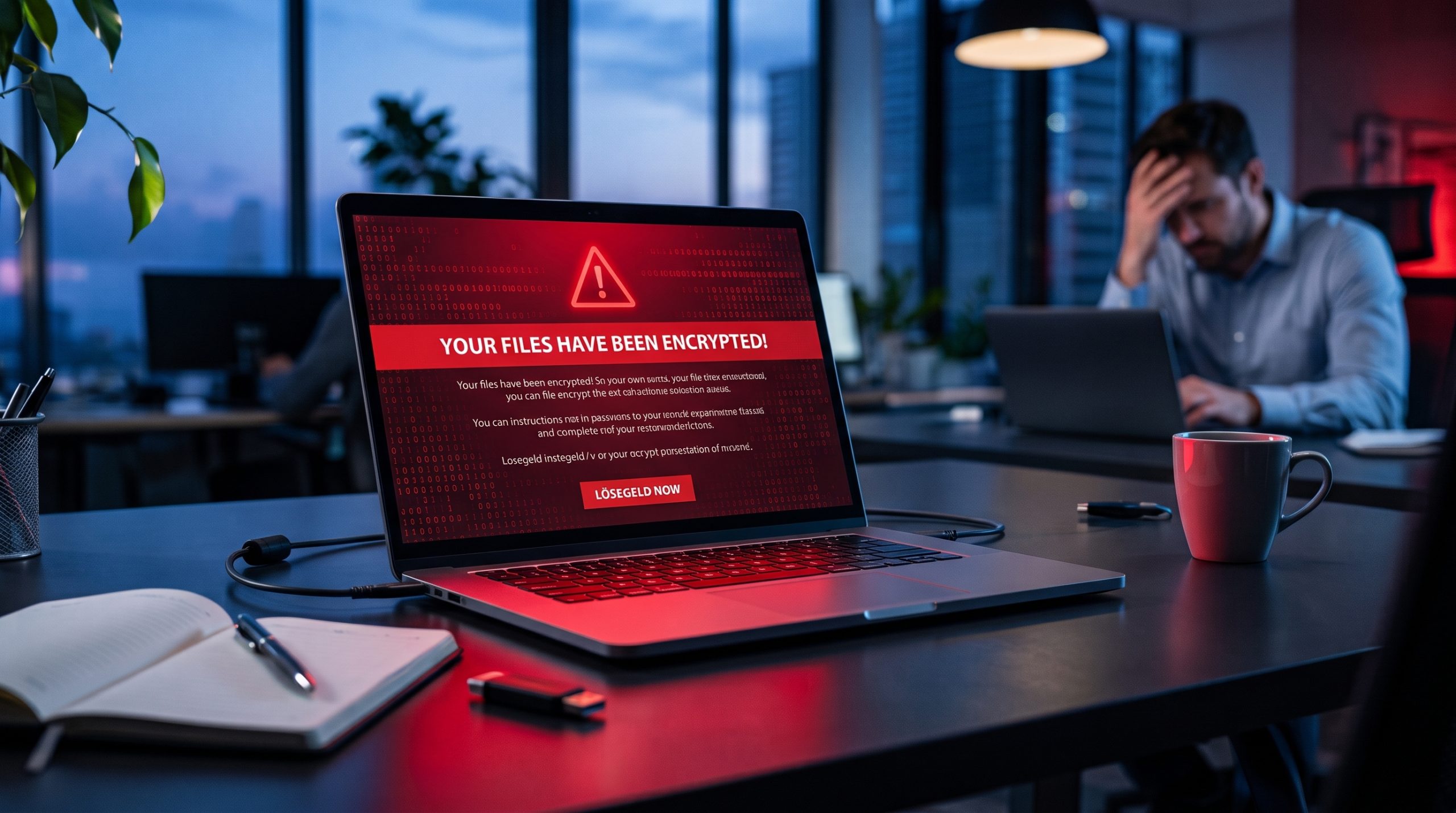
The first minutes after you discover an attack have a strong influence on the outcome. Shock and fear are normal, and the ransom note is written to increase both. Most messages include a countdown or a threat that your data will be published or deleted. The pressure is deliberate, because frightened people pay faster and ask fewer questions.
Three reactions cause the most damage. Some owners delete the ransom note or the locked files, because they want the problem to disappear. Others restart the computer, hoping it will fix itself. Some pay immediately because the message promises a quick solution. Deleting files and restarting systems destroys traces that experts need to understand the attack. Paying does not guarantee that you will get a working key.
Decide who leads the response. In a small business this is usually you, and your job is to make careful decisions and keep everyone informed. Tell your team in short, calm sentences that there is a security problem, that you are handling it, and that a few rules apply for now. Ask them not to touch the affected computers, not to delete or move files, and not to try their own fixes. Ask them to keep the incident inside the company until you know more. A post on social media can confuse customers and alert the attackers before you have the facts.
Take pen and paper and write down what you see: the time you found the problem, the exact text of the ransom note, and the computers and files that are affected. Photograph the screen with your phone. These notes will be useful for the experts, and they give you something concrete to do while you calm down.
Find Out How the Attackers Got In
Disconnect and Isolate Your Systems
Work through the network systematically rather than machine by machine. Check printers, network-attached storage and any device with a shared folder, because ransomware uses exactly these connections to move. If you are unsure whether a device is affected, disconnect it anyway. Reconnecting a clean machine later costs nothing; leaving an infected one online can cost you the rest of your data.
Get the Right People Involved
Call your IT partner or security provider as soon as your team knows what is happening. A phone call is faster than an email. Tell them what you see on the screen, when it started and which devices seem to be affected. Many providers have an emergency number for this situation, and it is usually in your service contract. If you have never looked for it, do it now.
Without an IT partner, you need a specialist who has handled ransomware cases before. A general computer repair shop is rarely enough. Ask directly whether they have worked on a ransomware incident and what they would do first. A good expert answers in plain words and does not promise that everything will be recovered. In Germany, the BSI publishes a list of qualified incident response providers, which is a useful starting point if you do not know whom to call.
Do not try to fix the problem yourself, and do not let a colleague with basic IT knowledge try either, no matter how helpful they want to be. Running cleaning tools, typing commands or reinstalling programs can erase the traces that show how the attackers got in. These actions can also lock more files or damage the backups you still need. Experts follow a fixed order of steps because each one protects evidence and limits the damage.
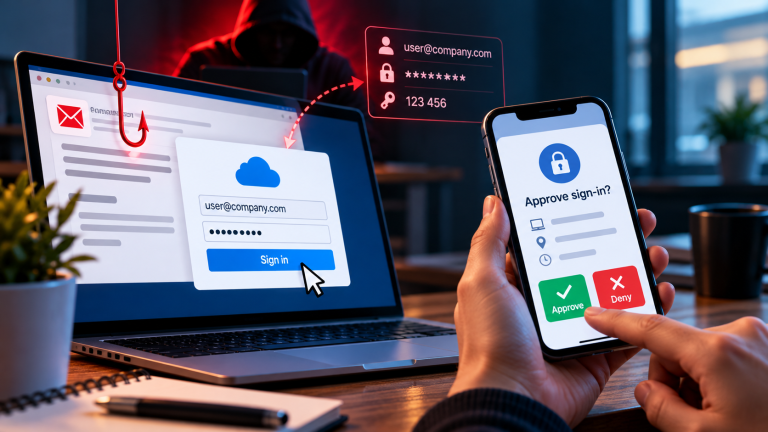
While you wait, collect information. Write down the exact text of the ransom note, the time you found it, and the names of the computers and files that are affected. Photograph the screen with your phone, including any email address or website named in the note. Ask your team about the last few days: a strange email, an unexpected login request, a program that asked to install something, a new or private device used for work. Answers to these questions often point to the entry point and can save the experts hours.
If you have cyber insurance, call the emergency number in your policy before you spend money on any recovery work. Many policies require a quick report, and some insurers only pay for providers they have approved. Most of them can send their own specialists within hours. Keep a simple list of every call with the name of the person and the time, because you may need it for the insurance claim later.
Think Carefully Before You Pay
Paying the ransom looks like the shortest way back to normal operations. In practice it is a gamble. The criminals have no obligation to deliver, and some never send a working key. Others send a decryption tool that is so slow or faulty that restoring the data takes longer than expected. Even a successful decryption does not mean the problem is solved, because the attackers may still have access to your network.
Payment also marks your business as a company that pays. Criminal groups share and sell information, and businesses that paid once are attacked again more often. In some countries, payments to certain groups can also violate sanctions, which creates legal problems on top of the technical ones. Police and security agencies in Europe and the US advise against paying. Your insurer may have its own rules as well, so ask before you contact the attackers or send any money.
Check your options before you make any decision. Ask your expert whether clean backups exist and how long a restore would take. Look at nomoreransom.org, a project supported by Europol and several security companies. It offers free decryption tools for many known ransomware families, and it has a function that helps you identify which family attacked you. For some variants a free solution exists, for others it does not, and an expert can tell you quickly which case you have.
Many modern attacks include data theft. The attackers copy your files before they encrypt them and then threaten to publish them. Paying for a decryption key does not remove that threat, and there is no way to verify that stolen data is deleted after payment. This is one more reason why the decision about payment should not be made in the first hours and not by one person alone.
If after all this you still consider paying, make it a documented management decision with legal advice, your insurer and the police involved. Do not negotiate with the attackers yourself.
Check Your Backups
Good backups are the most reliable way back to normal operations, but they have to be intact and clean. Find out when the last backup was made and where it is stored. A backup that was connected to your network during the attack may be encrypted as well. Backups in a separate system, in offline storage or in a cloud service with protected versions have the best chance of being unaffected.
Do not connect any backup drive to a network that may still be infected. Ask your experts to check the backups first, since some ransomware sits quietly in the system for days or weeks before it activates. A backup from this period can contain the malware, and restoring it would start the attack again. You may have to go back to an older version of your data and accept that recent work is lost.
Restoring comes after cleaning. Your experts need to clean or rebuild the affected systems first, otherwise the restored data is encrypted again within minutes. Decide together which systems come back first. For most small businesses the order is email, accounting and invoicing, customer data, and then everything else. A complete restore often takes several days, so plan how your business can work in the meantime. Paper lists, phone calls and temporary accounts on clean devices are options many companies use.
If you find that you have no usable backup, say so openly to your expert. Some data can still be recovered from other sources, such as email accounts, cloud services, devices that were offline during the attack, or customers and suppliers who hold copies of documents.
Report the Attack
If personal data was affected, the General Data Protection Regulation requires you to report the incident to your data protection authority within 72 hours of becoming aware of it. This applies to customer lists, employee records, health data and any other information about identifiable people. The 72 hours start when you know about the incident, not when the investigation is finished. If you do not have all details yet, you can report what you know and add information later. If the risk to the affected people is high, you must also inform them directly.
Report the attack to the police as well. In Germany, every state has a central contact point for cybercrime, usually at the state criminal police office, and you can file a report there or at any police station. A report helps with insurance claims, and investigators use the information from many cases to track criminal groups. Bring your notes, the photos of the ransom note and any email addresses or wallet addresses mentioned in it.
Depending on your industry, additional duties can apply. Companies in critical sectors, suppliers of regulated businesses and companies with certain contracts may need to inform authorities or customers within fixed deadlines. Check your contracts with larger customers too, because many contain clauses about security incidents. Ask your lawyer or data protection officer if you are not sure which rules apply to you.
Keep a written timeline of the incident with times, actions and the people involved. You will need it for the authorities, for your insurer and for your own review afterwards.
Talk Openly With Customers and Your Team
If customer data may be affected, tell your customers early and in plain words. Say what happened, which data may be involved, what you are doing about it and what they should watch out for, for example suspicious emails that mention your company. Keep the message short and stick to facts you have confirmed. Do not guess and do not play down the problem. If you do not know something yet, say that you do not know it yet and when you will update them.
Business partners and suppliers may need information too, especially if your systems are connected to theirs or if the attackers could use your email accounts to send them fake messages. A short phone call to your most important contacts is better than a mass email that might end up in spam.
Your employees need regular updates as well. Tell them which systems are down, which workarounds to use and who to ask for information. Make it clear that nobody will be blamed. Most ransomware attacks begin with a click on a convincing email, and employees who fear punishment may hide details that the experts need. A person who reports a mistake quickly helps the response more than a person who stays silent.
Decide who speaks to the press and to customers on behalf of the company. One person with a prepared and approved statement avoids contradictory messages.
Conclusion: What to Do When Your Business Gets Hit by Ransomware
A ransomware attack can bring your business to a standstill. Important files may become inaccessible, daily operations can be disrupted, and sensitive business data may be at risk. But the decisions you make in the first hours can have a major impact on what happens next.
If your business gets hit by ransomware, stay calm, contact experienced cybersecurity professionals, protect your remaining systems, and check whether your backups are safe. Do not rush into paying the ransom. There is no guarantee that the attackers will restore your files or delete stolen data. Most importantly, do not wait until an attack happens to prepare your business. Make regular backups, keep your systems updated, train your employees to recognize threats, and create a clear incident response plan.
Ransomware can affect businesses of every size. Being prepared can make the difference between a manageable incident and a serious business crisis.