
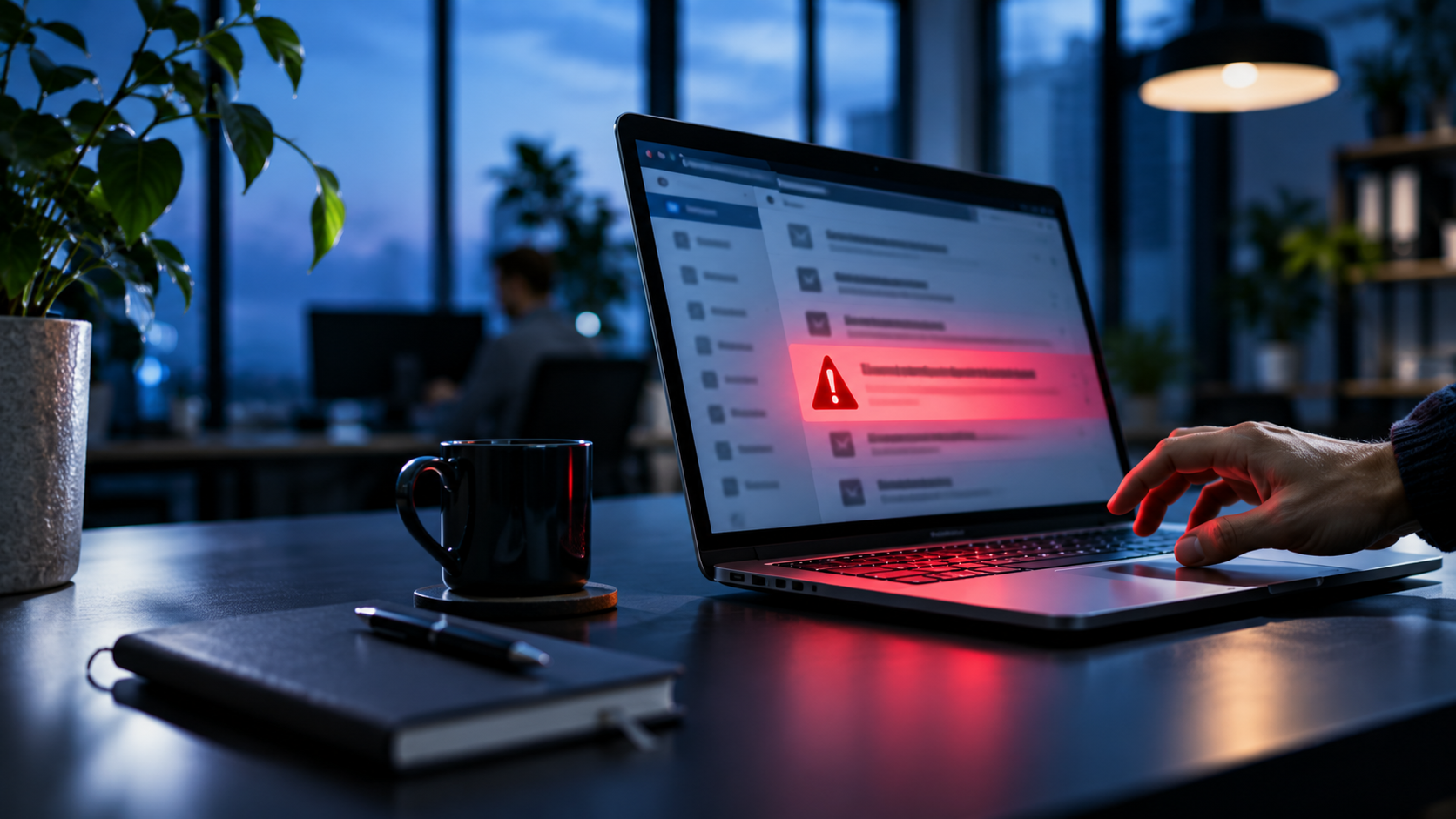
Phishing is not a problem of big companies only. In my view, it is the most underrated risk for small and mid-sized businesses, because the attacker needs no clever hacking. One person has to believe one message. The message may look like it comes from a bank, a supplier or your own manager, and one click can open the door to an email account or the whole company network.
Most articles on this topic give you a long list of tips that everyone has read before. I want to be more direct. Some measures give you a lot of protection for very little effort. Others sound important but are often overrated, and many companies make mistakes exactly in the places where they feel safe. Smaller companies are often hit hard, because they have fewer tools, no full-time IT team and a lot of trust between colleagues. Criminals know this.
Phishing messages are also much better than a few years ago. Clean language, real company names and good timing are normal now, and AI tools make this easy for attackers. The old advice to look for spelling mistakes is not enough anymore. A good defense must still work when the message looks perfect. Below you find 10 measures. For each one I explain what it really does, where it often fails and what I would look at first. You do not need to be a technical expert to follow this.
1. Train Your Team, but Keep It Short and Real
Most training fails for a simple reason: it is boring. One long session per year, slides full of text, and a month later nobody remembers a word. That is a checkbox, not protection. Short is better. Aim for 20 to 30 minutes, a few times a year, and build each session around messages your own team could really receive.
Make it concrete. Imagine the accounting team getting a fake invoice, reception getting a delivery notice with a strange link, or everyone getting a message from the “boss” who needs gift cards today. Add a login page that looks exactly like Microsoft 365, and you have a good set of examples. Put them on the screen and look at them together. Who is the sender, really? Where does the link lead when you move the mouse over it? Ten minutes with three real examples teaches more than an hour of theory.
Everyone belongs in the room. That means new employees, part-time workers and interns, but also the management. Managers are often the most attractive target, because their accounts open the most doors. A short introduction in the first week helps new colleagues, and the knowledge no longer depends on when someone joined.
You will hear the argument that training is useless because somebody always clicks. I do not agree. Training will never bring the number of clicks to zero, and that is not its job. Its job is to make people pause for a moment and to make them speak up when something feels wrong.
The tone matters as much as the content. If people feel stupid for asking, they stay silent, and a silent team is the biggest risk you can have. Now think about the opposite: a colleague who clicks by mistake, notices it and tells you within two minutes. That person has just done more for your security than most tools can.
For this reason, employee cybersecurity training for small businesses has become an essential part of modern security strategies, particularly for small and mid-sized companies. When employees understand how common cyberattacks work and learn to recognize warning signs, they become an important part of the company’s overall defense against cyber threats.
2. Look at What the Message Wants, Not at How It Looks
Many awareness programs still tell people to look for bad grammar and strange logos. I think this advice is outdated and can even be dangerous, because people feel safe when a message looks clean. Today, attackers use good language, copied logos and real company names. A perfect-looking email proves nothing. A better question is: what does this message want from me?
Phishing almost always asks for a fast action. It wants a login, a payment, an opened file, a click on a link or a reply with data. Ask yourself this question every time, even when the sender looks familiar. Why does this person write to me now? Is this request normal for our work? Would I expect it in this form? If the answers feel unclear, you have already learned something important.
The strongest warning sign is pressure. Words like urgent, today, final notice or confidential are meant to switch off normal thinking, because the attacker wants you to act before you check. Secrecy is another typical trick, for example “please do not tell anyone yet”. A real colleague or supplier rarely needs this. Be careful with unusual requests from known people, too, such as a colleague who suddenly asks for a favor outside the normal process, or a supplier who changes the bank details by email.
My simple rule for teams: if a message makes you feel rushed, stop and check it through another channel. Call the person on a number you already know, or write a new message in your usual chat. Do not reply to the suspicious email and do not use the contact details inside it. Checking for two minutes should always be allowed in your company, and you should say this clearly to your team.
3. Make Reporting Easier Than Ignoring
A report button is one of the cheapest and most useful things you can add, and I would put it before many advanced tools. When a person reports a suspicious email quickly, you often find out that the same message went to ten other colleagues. You can then remove it from all mailboxes before more people click. Without a simple way to report, the message stays in the inbox or gets deleted, and nobody learns anything.
Keep the process very simple. Use the report function of your email program or one clear mailbox that everyone knows, and name one person who is responsible, with a second person as backup for holidays and sick days. Put the contact details where people can find them in seconds. Phishing does not only come by email, so make clear that text messages, chat messages and strange phone calls can be reported in the same way.
Feedback is the part that most companies forget. If a person reports a message and hears nothing, they will not do it a second time. A short answer is enough: thank you, this was phishing, we removed it. Or: this one was safe, please keep reporting. Share a short note with the whole team when a real attack arrives, so everyone sees that reports lead to action. Over time you will also see patterns, such as the same fake invoice style or the same fake login page, and you can use them in your next training.
The most important rule is how you react to mistakes. If someone clicked and says so within minutes, say thank you. A company that criticizes the person who clicked will soon hear nothing at all, and silence gives the attacker time. Tell your team clearly: every report is welcome, even when the email is harmless, and nobody will be blamed for a quick call to IT.
4. Use MFA, but Do Not Trust It Blindly
Multi-factor authentication is the most effective single step for most small companies. I would turn it on for email, cloud services, remote access and all admin accounts before anything else, because a stolen password alone is then not enough to log in. Email comes first, since an attacker who controls a mailbox can reset the passwords of many other services.
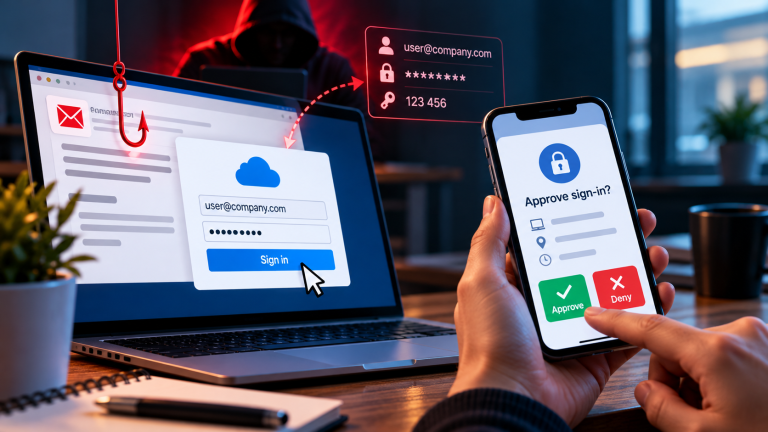
At the same time, too many companies treat MFA as the end of the topic. It is not. Attackers use fake login pages that collect the password and the one-time code in real time and then log in themselves. In some cases they even steal the active login session, so the second step is never needed. Another method is to send approval requests again and again until a tired person presses yes.
This is why the method matters. Text message codes are the weakest form. App-based codes are better, and approval requests with number matching make careless clicks harder. The strongest options are passkeys and hardware security keys, because they only work on the real website and cannot be handed to a fake page. You do not need to change everything at once. Start with the accounts that can do the most damage, such as admin and finance accounts, and move to stronger methods step by step.
Then look for gaps. Check who in your company still has no MFA, and ask why. Typical gaps are old accounts, shared mailboxes, service accounts and exceptions for busy people, often the management. Think about the reset process, too. If someone can get a new MFA method just by sending a friendly email to your support, the attacker will use exactly this way. Make sure a reset always needs a check through another channel.
Read here: Why MFA is the most effective security measure for small businesses
5. Check Your Email Settings, Not Only Your Filter
Many companies use the default spam filter and think the topic is done. In my view, this is where a lot of easy protection is missed. Most email providers offer stricter settings for phishing, dangerous attachments and unknown links. Check what is switched on and raise the level where your daily work allows it.
A few settings are worth a closer look. Block or check file types that are rarely needed in business email, such as executable files or documents with macros. Turn on link checking, so that web addresses are tested when someone clicks and not only when the email arrives. Add a clear warning to messages from outside the company, because it helps people notice when a “colleague” writes from an external address. Suspicious messages should go to quarantine, where your IT contact can review them, instead of landing in the inbox.
Look at your domain settings, too. SPF, DKIM and DMARC are standards that show receiving servers whether an email really comes from your company. A common problem is that DMARC exists but only in monitoring mode, so fake emails in your name are still delivered. Your IT provider can check this in a short time, and it protects your customers and partners, not only you.
Read about: Email Security Guide 2026: Find Your Risks Before Attackers Do
6. Update Everything, Including What You Forget
Updates sound boring, and that is the problem. Phishing is often only the first step, and the link or attachment then uses a known weakness in a browser, an office program or the operating system. Security updates close exactly these weaknesses, and attackers often start to use them quickly after they become public. A device that waits weeks for an update stays open for that whole time.
Turn on automatic updates wherever you can, and do not limit this to laptops. Phones, tablets, routers, VPN gateways and old devices in a corner are often forgotten, and attackers like exactly these. Browsers and their extensions need attention too, because the browser is the tool people use when they open a phishing link.
A short device list helps more than most people expect. Write down which devices and programs your company uses and who is responsible for updating them. If nobody feels responsible, nobody updates. Check the list every few months, and add new devices, such as a phone or a laptop for a new colleague, on the first day.
Replace software that no longer gets security updates, even when it still works fine. Old operating systems and old programs are a risk that grows every month, because every new weakness stays open for good. If you cannot replace something right now, separate it from the rest of the network and do not use it for email or web browsing.
Read here why – The attack no one expected: How old IT devices almost destroyed a Swiss company
7. Use Security Software, and Cover Home Devices
Modern endpoint protection is a must on every computer and mobile device that touches company data. It can block dangerous downloads and warn you when a file behaves in a strange way. I would not rely on it alone, though. A tool only helps when it is switched on, updated and watched by someone. Many small companies install it once and never look at the alerts again, so check regularly that every device is protected and that warnings are read.
Add browser protection or DNS filtering if you can, because it blocks known phishing websites even after someone has clicked the link. This gives you a second chance: the click happens, but the page does not open.
A weak point in many small companies is the home office and the private device. If an employee checks company email on a private phone or works on a personal laptop, that device needs the same basic protection. Without it, a phishing attack on a private device can lead straight into company accounts.
Decide clearly which devices may access company data and which may not, and write down a few simple requirements, such as a screen lock, current updates and encrypted storage. Make sure you can remove access quickly when a device is lost or when someone leaves the company.
This article outlines the critical home office security best practices for businesses that want to protect productivity without sacrificing control. It focuses on practical, realistic measures that reduce risk rather than creating unnecessary complexity. Because effective security is not about restricting work — it is about enabling it safely.
8. Build a Payment Rule That Nobody Can Skip
For payment fraud, a process works better than any tool. Many successful attacks need no malware at all. A criminal sends a fake invoice, a changed bank account or a request from the “boss” and waits for someone to pay.
Agree on a fixed rule: every change of bank details and every unusual payment request must be confirmed by a second person and through a second channel, such as a phone call to a number you already know. Never use the number from the suspicious email. Write the rule down in one or two sentences, so nobody has to guess in a stressful moment.
Think about where your company is most open. Typical weak points are a supplier who suddenly sends new bank details, an invoice from a company that nobody knows and an urgent payment request that arrives while the manager is travelling. Attackers choose these moments on purpose, because the normal check is hard to do. Define for these cases who may approve, who checks and how, and keep it the same every time.
The rule only works if it applies to everyone, including the owner. Attackers often use the name of the manager, because people do not like to question the boss. Say clearly in your team that checking is expected and that nobody will be blamed for it, even when the request turns out to be real. A few minutes of delay is a good trade for stopping a serious fraud.
9. Limit the Damage Before It Happens
Assume that one account will be stolen one day, and plan for it. Not everyone needs access to everything. Give each employee only the rights needed for the job. When an account is taken over, the attacker then gets only what that account can reach.
Keep admin accounts separate from daily work accounts. An admin who reads email and browses the web with the same account is a very attractive target. Review access rights at least once a year, and remove them at once when someone changes role or leaves the company. Old accounts that nobody uses are a quiet risk.
Backups are the other half of this. Keep regular copies of important data, store at least one copy offline or in a protected place, and make sure that a stolen account cannot delete it. Decide how much data you can accept to lose and how long you can wait for a restore, and set the backup rhythm from that.
Test the restore from time to time. In my view, an untested backup is only a hope. Many companies learn during an attack that their backup is incomplete or cannot be restored quickly. A tested backup is what lets you keep working after an incident.
10. Write a One-Page Plan Before You Need It
Even with good protection, a mistake will happen sooner or later. In that moment, a long document does not help. I recommend one page that everyone can find and understand.
The first steps should be clear: disconnect the device from the network, change the passwords, inform the responsible person and keep the suspicious email as evidence. Say what not to do, too. Do not delete everything in panic, and do not wait to see what happens. The first hour is the most important one.
Write down who to call, inside and outside the company, such as your IT provider, your bank for payment cases and the person who decides about informing customers. Keep a copy on paper or outside your email system, because email may be exactly what is not working. Check whether you have legal duties, for example to report a data breach, and note who is responsible for this decision.
Practice the plan once a year, for example with a simulated phishing email or a short talk-through. It does not need to be a big exercise. Teams that have done it once stay calm and react faster, and the first hour often decides how big the damage becomes.
Conclusion: Prevent Phishing Attacks in Small Business
To prevent phishing attacks in small business, you do not need a big IT team or deep technical knowledge. You need a few clear rules that everyone follows and settings that work in the background. No single measure stops every attack, and I would be careful with anyone who says otherwise. Strong protection comes from informed people, simple processes and sensible technical settings that support each other.
If I had to choose a start, I would begin with three things: MFA on all important accounts, a simple way to report suspicious emails and a fixed rule for payments and changes of bank details. These steps give you a solid base and can be set up in a short time. Then add the other measures one by one and review them at least once a year, because attackers change their methods all the time.
I help small and mid-sized businesses to find and close security gaps like these, and to turn them into simple routines that fit their daily work. If you want to check how well your company is prepared against phishing, I am happy to support you at Cybersecureguard.
I also recommend to read the following article
AI Phishing Is Getting Smarter: How Small Businesses Can Stay One Step Ahead
First Steps After Falling for a Phishing Email: A Quick Guide for Small Businesses
Hackers don’t need to break through your firewall when an employee holds the front door open
How Attackers Get Into Small Businesses Without Hacking the Main System
How to Identify Phishing Emails in 2026 – A Practical Step-by-Step Guide
How to recognize phishing and Trojans – 7 warning signs you need to know