
Today is a special day for me: it is my 36th birthday! 🎂 Yes, 36 already. How did that happen? Apparently, time moves even faster when you spend it thinking about cybersecurity. 😉 But instead of talking about birthday cakes, presents, and how quickly the years seem to pass, I want to use this day to give something useful back to the people who read CyberSecureGuard. Because what could be a better birthday present than helping a few small businesses become a little safer?
Business email is one of the most important tools in a company. You use it to communicate with customers, send invoices, share documents, and exchange sensitive information. But it is also one of the most common ways cybercriminals try to get into a business. And here is the problem: your email account can look completely normal while important security settings are missing.
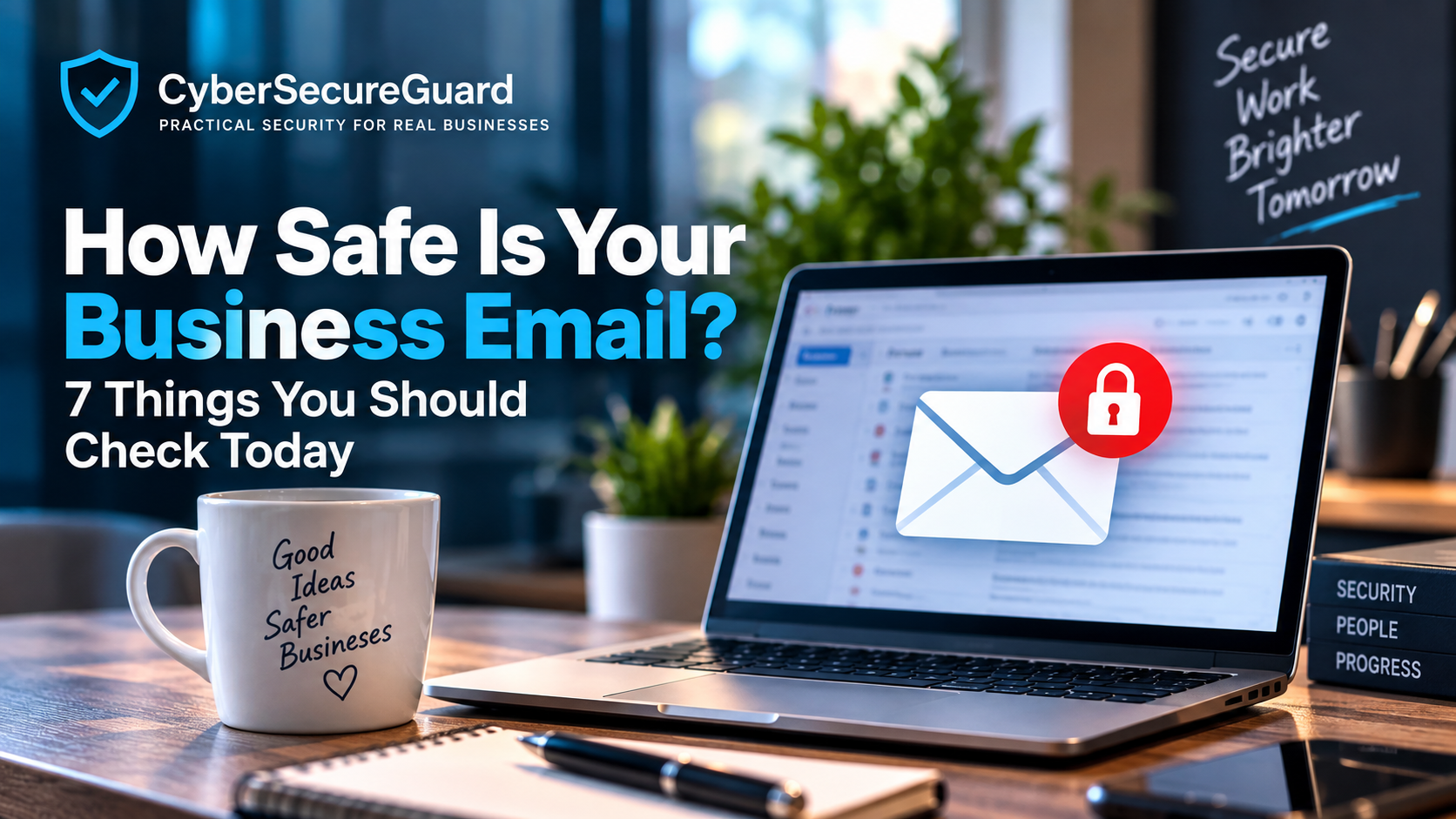
So today, let’s check the basics. In this article, I will show you 7 things you should check today to make your business email safer. You do not need to be a cybersecurity expert. Most of these checks are simple and can be done in just a few minutes.
And because it is my birthday, I have prepared two little surprises for you. 🎁 First, you can get a free Business Email Security Checklist that you can use to check the most important points yourself. And if you want to go one step further, there is another surprise waiting for you at the end: an opportunity to have a free 15-minute Business Security Check with me via Microsoft Teams.
So keep reading until the end. You might leave this article with more than just a few useful security tips.
1. Use Strong, Unique Passwords — and a Password Manager
Your email password protects far more than just your inbox. With access to a business email account, an attacker can reset passwords for other services, read customer conversations, steal invoices, and send fake emails in your name. That is why the password is still the first and most important line of defense. The problem is that most people choose passwords that are easy to remember, and easy to remember usually means easy to guess. Attackers use automated tools that can test millions of common passwords within minutes, so passwords like “Summer2026!” or “Companyname123” are cracked almost instantly. A strong password should be at least sixteen characters long, unique for every account, and completely random, with no names, birthdays, or company terms hidden inside.
A simple trick is to build a passphrase from four or more random words strung together, which is easy to remember but nearly impossible for a computer to crack. What matters far more, though, is never reusing a password across different services. This is the single biggest mistake people make, because once one website suffers a data breach, attackers immediately try that same password on email accounts, banking logins, and everything else tied to the same person. A password that was strong on the day it was created becomes worthless the moment it leaks somewhere else and gets reused.
Since no one can realistically remember fifty unique, strong passwords, a password manager is the practical solution. Tools like Bitwarden, 1Password, or Keeper generate strong random passwords for every account and store them securely behind a single master password, so employees only ever need to remember one thing. For a business, this brings additional advantages beyond convenience: team passwords can be shared safely without ever being sent by email, access can be revoked instantly the moment someone leaves the company, and management gets visibility into which accounts are still relying on weak or reused passwords. Setting aside thirty minutes today to list every business email account, replace weak or reused passwords, and roll out a password manager across the team is one of the fastest security improvements a company can make, and it costs almost nothing compared to the damage a single compromised password can cause.
Explore here How to create secure passwords that are extremely difficult to crack
2. Turn On Multi-Factor Authentication
3. Check Your SPF, DKIM, and DMARC Settings
4. Watch Out for Phishing and BEC Attacks
5. Encrypt Sensitive Emails
6. Keep Your Email Software Updated
Software updates can be annoying, but skipping them is one of the most common reasons companies get hacked. Every email system, whether it is Outlook, a webmail service, or the server behind it, contains small weaknesses that developers discover over time. These weaknesses are called vulnerabilities, and attackers actively search for them. As soon as a security update is released, criminals start scanning the internet for systems that have not installed it yet, which means the days right after an update appears are often the most dangerous for anyone who delays. Exploiting these vulnerabilities requires almost no skill on the attacker’s side. Automated tools do the work, scanning thousands of systems within hours, finding the unpatched ones, and breaking in without a human ever getting involved. Old email clients, outdated browser plugins, and servers that have not been updated in months are simply open doors waiting to be found.
The most important rule is simple: install security updates as soon as they are available. Turning on automatic updates for your email software, operating systems, browsers, and security tools takes this decision out of anyone’s hands, since patches then get installed without a person having to remember. Mobile devices deserve the same attention, because many employees check business email on their phones, and an outdated app there can be just as risky as an old desktop program. Companies running their own email server carry extra responsibility, since they are managing the entire system rather than relying on a provider to patch it for them. It is worth checking with your IT provider whether a regular maintenance schedule exists and whether any old software versions are still quietly running somewhere in the background. A few minutes spent updating every week closes the holes that attackers depend on, and it costs far less than cleaning up after a security incident later. Updates work best as a fixed part of the routine, not as a task that gets done whenever there happens to be time.
Can Ransomware Encrypt Cloud Backups? Find it out here
7. Have a Backup and a Response Plan
The Cybersecurity Emergency Plan solves exactly this problem. It is not an overloaded technical manual, but a compact, field-tested emergency toolkit designed to make your company operational again within the shortest possible time following a cyber incident. Clear, understandable, and free of any technical jargon.
Conclusion: How to your Secure Business Email
Your business email is one of the most important tools in your company — and one of the most attractive targets for cybercriminals. The good news is that improving your email security does not have to be complicated. Start with the basics: use strong and unique passwords, enable multi-factor authentication, keep your software updated, check who has access to your accounts, and make sure your employees know how to recognize suspicious emails.
These simple steps can significantly reduce the risk of account theft, phishing attacks, and financial fraud. If you are wondering how to secure business email, do not try to fix everything at once. Start with the seven checks in this article and work through them one by one. A few minutes today can prevent a much bigger problem tomorrow. And remember: Cybersecurity is not about making your business impossible to attack. It is about making it much harder for attackers to succeed.
🎁 My Birthday Surprise for You
Since it is my birthday today, I want to give something back to my readers. If you run a small business, I would like to invite you to a free 15-minute Business Security Check with me via Microsoft Teams. Together, we will look at some of the most important email security basics and identify any obvious weaknesses you should take care of. No sales pitch.
Just 15 minutes of practical cybersecurity advice for your business. If you are not sure how well protected your business email really is, this is a simple way to find out. Want to check how safe your business email really is?
[Book your free 15-minute Security Check]
🎁 Want to Check Your Business Email?
You have now seen the 7 most important things you should check. But remembering everything is not always easy — especially when you are busy running your business. That is why I created a completly free Business Email Security Checklist for you. Use it to go through the most important security points step by step and see where your business email may still have weaknesses.
[Get Your Free Business Email Security Checklist]
I also recommend you to read the following article
Cybersecurity Checklist for Small Business in 2026
Email Security Guide 2026: Find Your Risks Before Attackers Do
How My Cybersecurity Mentoring Differs From Penetration Testing
How often should companies change passwords? Current security recommendations for 2026
How to Identify Phishing Emails in 2026 – A Practical Step-by-Step Guide