
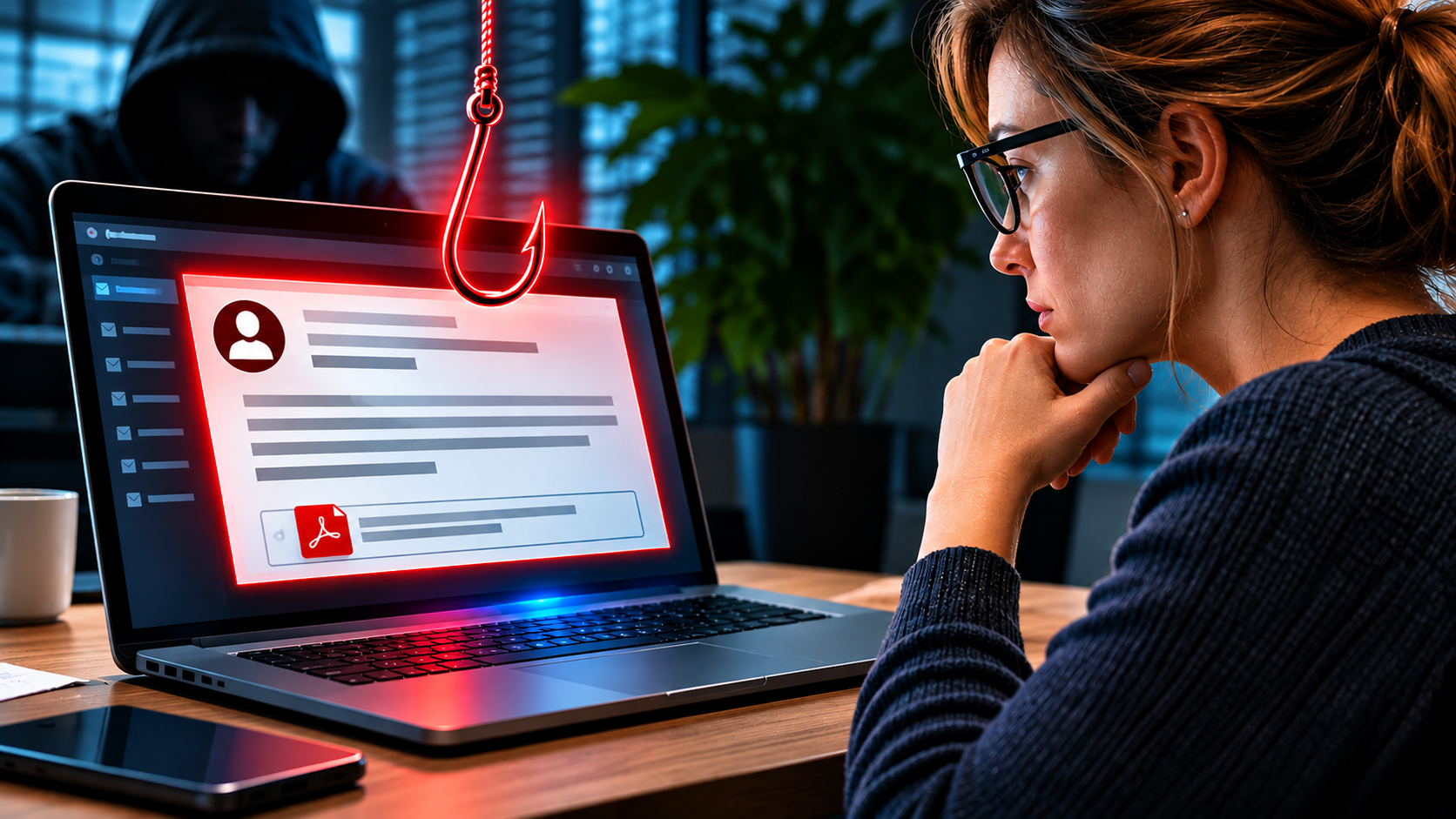
On a Friday afternoon, shortly before closing time, an email arrives in the accounting department. It comes from a supplier the company has worked with for six years, and it refers to an invoice that really exists. The sender asks for one small change: please pay to a new bank account. Nobody in the office thinks about security at that moment. They think about the weekend.
Most business owners know what a normal phishing email looks like. It has bad grammar, a strange sender, and a link that makes no sense. Employees have learned to delete such messages, and your spam filter stops most of them anyway. Spear phishing is a different kind of attack. The criminal does not send the same message to thousands of people. He chooses one company, studies it, and writes to one person, with real names, real projects and the same tone your colleagues use every day.
In 2027, this has become much easier for attackers. AI tools can write perfect emails in any language, copy the writing style of a real person, and even imitate a voice from a few seconds of audio. The old advice to look for spelling mistakes no longer helps. A message that costs the attacker ten minutes to prepare can cost your company tens of thousands of euros.
This does not mean that you are helpless. Spear phishing works because it looks like normal work, and normal work can be protected with simple habits. The four examples below show how these attacks reach small and mid-sized companies, what the moment of failure looks like, and which habits stop them.
Why small companies are the favourite target
Criminals do not need to hack a company to learn about it. Most of what they need is public. The website shows who works in accounting and who runs the company. LinkedIn shows who started a new job last month and who is now responsible for payments. A press release tells them which customer the company just won, and a photo on social media shows which software the team uses. Even an automatic out-of-office reply helps, because it tells the attacker that the managing director is travelling and cannot be reached. An attacker can collect all of this in an afternoon, and then he can write to one person in a way that feels personal.
Many owners of small companies believe that criminals are only interested in big names. In reality, small companies are often the easier choice. The person who reads the message usually has the power to act alone. In a large corporation, three people may have to approve a payment, and a security team watches the systems. In a company with forty employees, it is often one person who pays the invoices, and she is busy. There may be no IT department at all, and nobody who checks suspicious emails. People know each other well, they write in a friendly and informal way, and they like to help quickly. These are good qualities in a team, and attackers use them on purpose.
There is a second reason. A small company is often a way into a bigger one. If a criminal controls the mailbox of a supplier, he can write to every customer of that supplier, and these customers will trust the message. Your company may be the real target, or only the first step. In both cases, you are the one who has to deal with the damage
The email that continued an old conversation
Imagine a manufacturing company with a supplier it has trusted for six years. The two companies exchange emails almost every day about orders, delivery dates and invoices. Weeks before the attack, a criminal got into the mailbox of the supplier’s sales manager. The usual way in is a stolen or reused password, or an earlier phishing email that the sales manager clicked without a second thought.
The criminal did not rush. For several weeks, he simply read along. He learned how the two companies write to each other, how formal or friendly the tone is, which invoices were open, and who in the customer’s accounting team handles the payments. He also set up a hidden rule in the mailbox, so that replies containing certain words, such as “bank” or “account”, went to a folder the real sales manager never opens. Then he waited for the right moment.
The email arrived on a Friday at 3:40 pm, inside an existing thread, with the usual signature and a polite sentence about the weekend. The supplier had changed its bank, it said, and invoice number 2291 for 18,400 euros should please go to the new account. The accountant was careful. She checked the invoice number, and it was correct. She checked the amount, and it was correct. Because the request was a little unusual, she even wrote back in the same thread and asked whether the new account details were really right. The answer came within ten minutes: yes, everything is correct, and thank you for the quick help.
She made the transfer at 4:15 pm and went home. She had checked, but she had checked with the wrong person.
The company found out eleven days later, when the real supplier called to ask why the invoice was still unpaid. Both sides were confused at first, because each had the emails to prove its story. Then the bank looked at the transfer. The money had already moved through three accounts in two countries, and nothing could be brought back.
The same trick works inside a company. A payroll clerk receives a short message from a colleague in sales, who writes that she has “a new bank account” and would like the next salary paid there. The sender address looks right at first glance, but one letter is different, and the colleague’s name came straight from the company website. When the clerk asks for a confirmation by email, the confirmation arrives immediately, from the same false address. The mistake is only noticed at the end of the month, when the real colleague asks why her salary has not arrived.
A call from the boss
Many managing directors have given a talk at a trade fair, recorded a short video for the company website, or appeared in a podcast. For a criminal, this is enough. Modern voice cloning tools need only a few seconds of clear audio to create a voice that sounds like the original, with the same accent, the same pauses and the same way of saying “listen”. The attacker also needs a name and a phone number, and both are easy to find on the website and on LinkedIn.
On a Thursday evening, an office manager sees an unknown number on her phone. She answers, and it is her managing director. He is travelling, he says, and he is calling from a new phone because his own battery died. In the background, she hears the noise of an airport. His voice sounds tired, which is normal for him after a long day. He tells her that a confidential acquisition is about to close and that a lawyer needs an advance payment of 45,000 euros tonight, otherwise the deal will fail. Nobody else may know, not even the finance team, until the announcement next week.
She hesitates and says she would like to call him back to be sure. He answers that he is going into a meeting and cannot talk, and that he is counting on her. A few minutes later, an email arrives from the lawyer with the account details and the words “as discussed with your managing director”. Everything fits together. She does not want to be the person who made the deal fail.
She makes the transfer at 6:40 pm. The call lasted four minutes, and it was not her boss. The next morning he walks into the office, says good morning, and has no idea what she is talking about.
The login page that looked perfect
A project manager at a building services company receives a notice that a customer has shared a document with him. The message looks exactly like the normal notice from the cloud service he uses every day. It has the logo, the familiar button, and a file name that matches a project the two companies are really working on: “Offer_Hall3_Revised”. The sender is a real person he has spoken to last week. Her account was hacked a few days earlier, so the email does not look suspicious to his spam filter either.
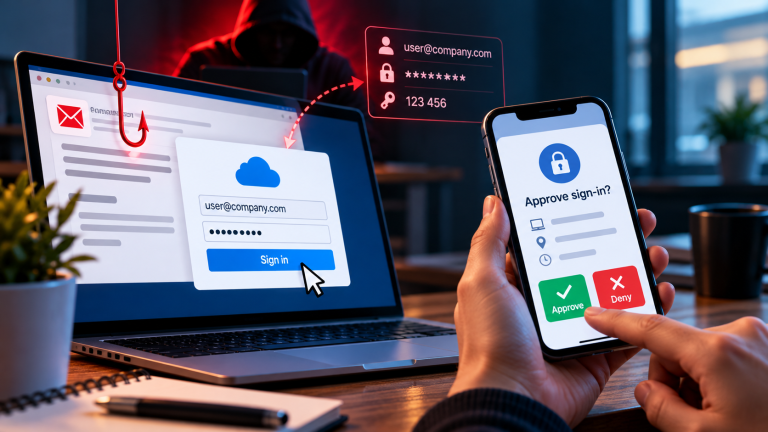
He clicks the button and sees a Microsoft 365 login page. The colours are right, the text is right, and his email address is already filled in. Only the address line of the browser would show the difference, a web address that is almost correct but not quite, and few people look at it when they are in a hurry. He types his password. For a moment, nothing happens. Then a message appears: “The document is not available at the moment, please try again later.” He shrugs and goes back to his work.
Within minutes, the attacker is inside his mailbox. He does not delete or lock anything, because that would be noticed. He reads the last months of emails and learns which customers are waiting for offers, which invoices are open, and how the project manager signs his messages. He creates a hidden rule that sends a copy of every new email to him, and then he starts writing to the project manager’s customers, from the project manager’s real account. In some cases, he changes the bank details on an invoice that was already sent, using the same file name and the same layout.
These messages are the most dangerous ones, because they come from a person the customers know and trust. The project manager sees none of this. His mailbox looks normal, and so does his day. The first sign of the problem comes two days later, when a customer calls to ask why he has sent two different invoices for the same project.
The application nobody wanted to refuse
Small companies publish open positions on their website and on job portals, and attackers read these pages as carefully as the candidates do. A recruiter in a company with fifty employees receives an application for a real vacancy. The email is polite and well written. The candidate mentions the skills from the advertisement and the possible start date, and says that the CV and the references are in the attached file. Nothing looks unusual, because the recruiter receives emails like this every week.
The attacker prepared it well. The CV tells a believable career story, often written with the help of an AI tool, and the wording of the email is copied from the job advertisement. The file looks like a normal Word document or PDF, but it contains hidden software. Often the document shows a yellow bar and asks the reader to click “Enable content” or “Enable editing” so that everything can be displayed correctly. That single click starts the program. In other cases, the email contains a link to a cloud service where the CV can be “downloaded”, and the download is the dangerous file.
After that, the software works quietly in the background. It may steal saved passwords, copy files, or give the attacker remote access to the network. Many companies notice the problem only weeks later, when customers report strange emails or when ransomware locks the servers. The recruiter’s computer sits in the same network as the accounting system and the customer data, so one application can open the door to the whole business.
The warning signs are small. The sender may use a free email address that does not match the candidate’s name. The letter may sound perfect but say nothing that is not already in the advertisement. The file may have a double ending, such as CV.pdf.exe. The recruiter, however, cannot simply refuse to open files from strangers. Reading applications is her job.
What actually protects you
All four stories have one thing in common: somebody acted alone, under time pressure, on a request that looked normal. A good defence starts there. Every request to change bank details or to make an urgent payment should be confirmed through a different way of contact, for example a call to a phone number you already have, never to the number in the email. Payments above a fixed amount should need the approval of two people, and this rule must apply to the managing director as well. When your boss really calls with an urgent transfer, a short “I will call you back in five minutes” costs nothing.
Your employees need to feel safe when they ask questions. The accountant in the first story did nothing stupid. She did what she was trained to do, which was to check the invoice. Nobody ever told her that the bank details were the real danger. Short training sessions with real cases like the ones above work better than a long presentation about security rules, because people remember stories.
Technology supports this routine. Multi-factor authentication on every account stops many attacks even after a password is stolen. Your email system should scan attachments before they reach the inbox, and applications should be opened on a separate computer or in a viewer that does not run macros. A form on your career page, instead of an email address, removes the attachment problem almost completely.
[Cordula: Add a short real case from your own work here, anonymised, or one sentence with your personal opinion. For example, what you see most often when you talk to SME owners. This is the part that makes the article sound like you.]
Conclusion – how to protect employees from spear phishing in 2027
The spear phishing attack examples for companies in this article look very different on the surface: a supplier invoice, a phone call, a shared document, a job application. Underneath, they follow the same pattern. The attacker learns about your business, writes a message that fits your daily work, and creates a moment of pressure or routine in which one person acts alone. The criminal does not need to break any technology for this. He only needs one person who has no reason to doubt.
Such attacks will not become easier to spot. AI tools make the messages more precise every year, and the old signs, like spelling mistakes or a strange tone, will disappear. What stays the same is the moment of decision: a click, a transfer, a changed account number. If your team knows that a short pause is normal in this moment, and that nobody will be criticised for asking, most attacks end there.
You can start this week, without any new software. Talk to the people in your company who handle payments, bank details and applications, and tell them one or two of the stories you have just read. Agree on one simple rule for bank changes and urgent transfers, and make sure that it applies to the managing director as well. A rule that everybody knows is stronger than a tool that nobody understands.
At Cybersecureguard, I help small and mid-sized companies build these habits, so that one clever email cannot damage the business you have worked hard to build.
I also recommend to read the following article
AI Phishing Is Getting Smarter: How Small Businesses Can Stay One Step Ahead
First Steps After Falling for a Phishing Email: A Quick Guide for Small Businesses
Hackers don’t need to break through your firewall when an employee holds the front door open
How to recognize phishing and Trojans – 7 warning signs you need to know
How to Prevent Phishing Attacks in Small Business: 10 Measures That Work
The 10 Biggest Cybersecurity Mistakes Small Businesses Are Making in 2026